Logging in to the Shareholder App
Last updated: 2025/11/27
* This assumes that you have already registered a Shareholder App account.
If you have not registered an account yet, please start from Account Registration.
・If you registered your account with an email address
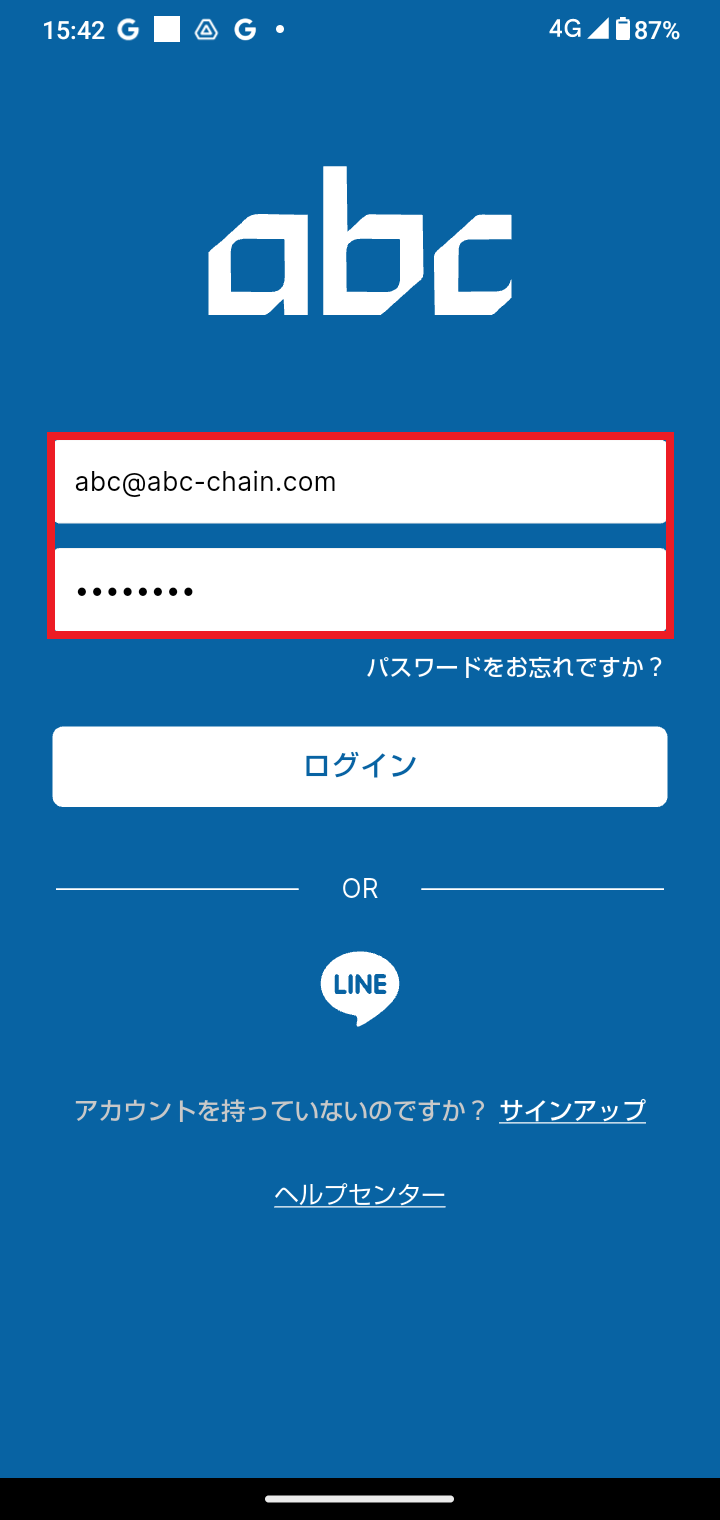
① In the "Email Address" and "Password" fields on the login screen, enter the
email address and password you registered when creating your account.
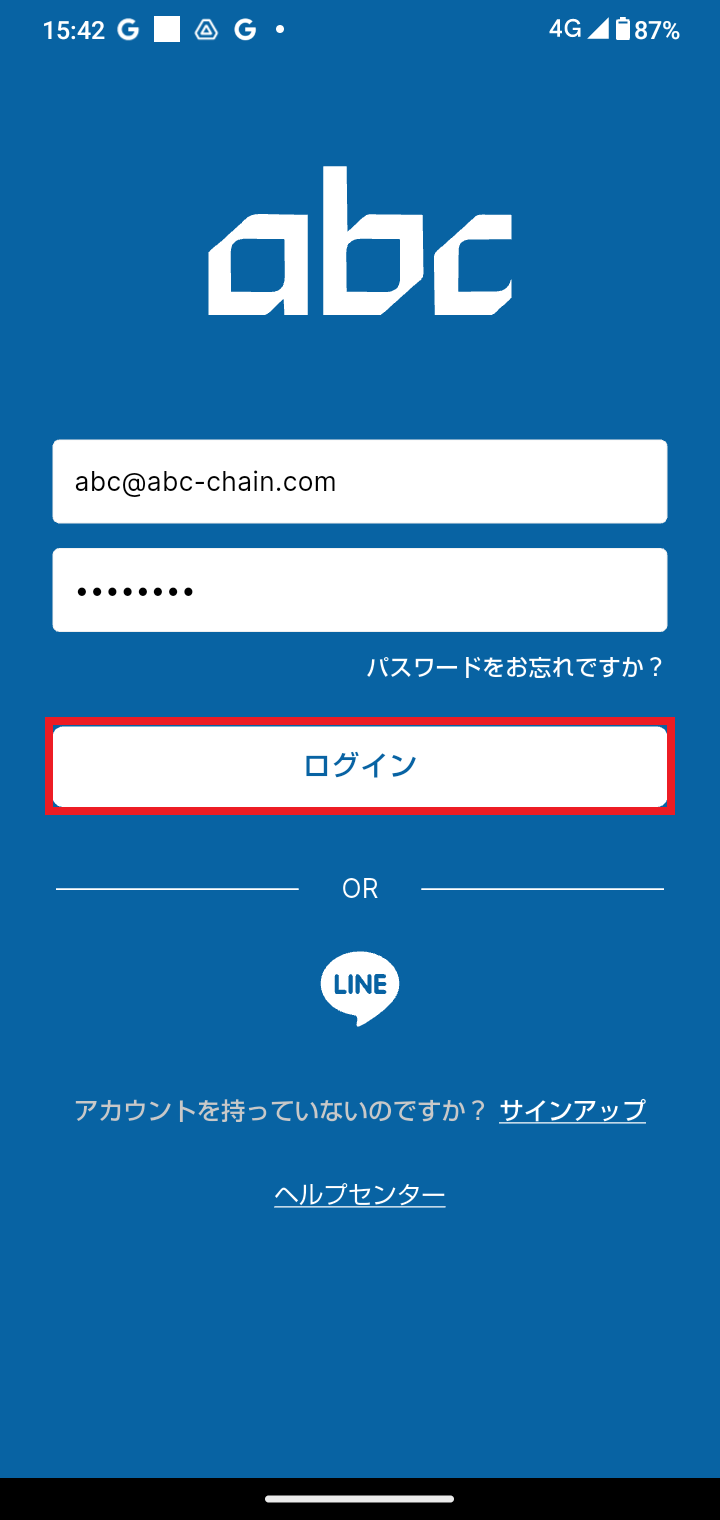
② Tap the Login button.
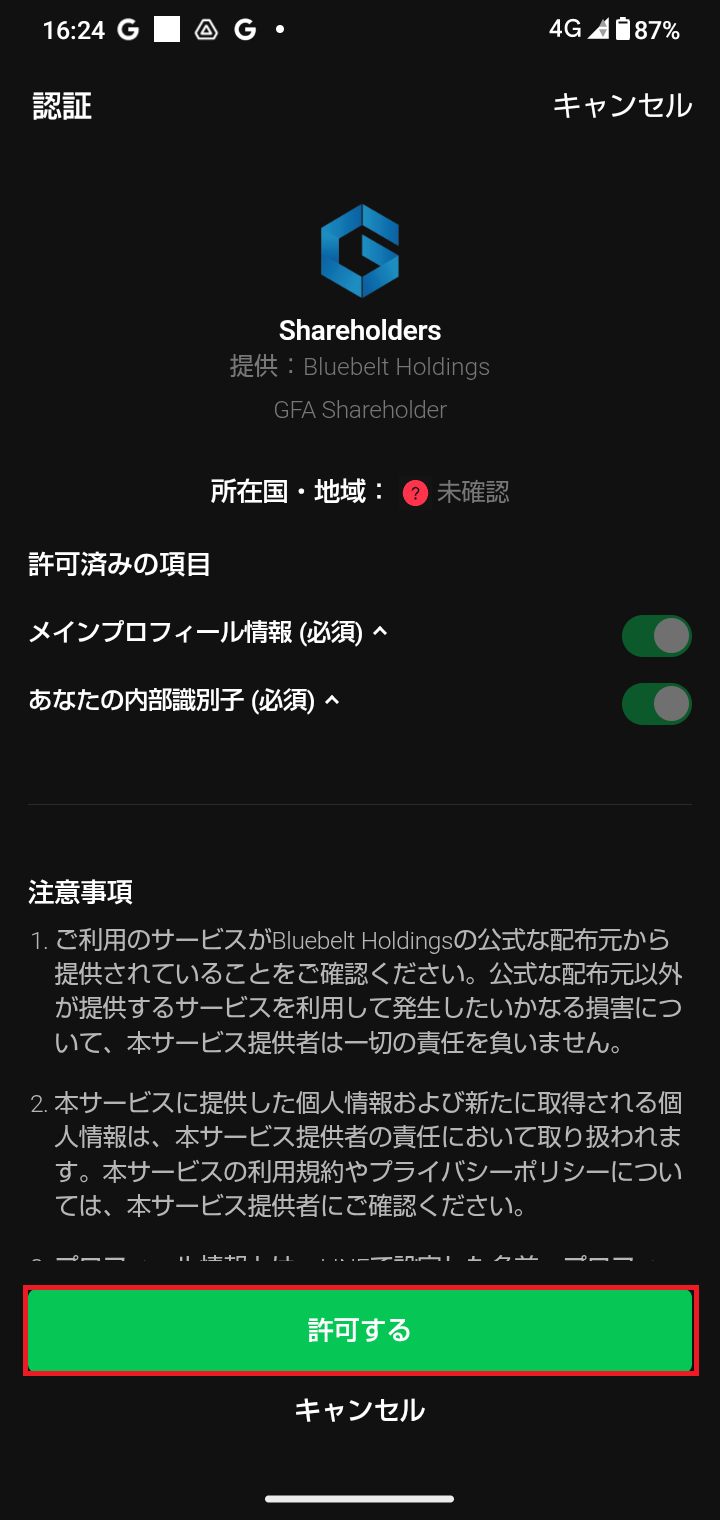
・If you registered your account with LINE
Tap the "LINE" icon shown in the red box.
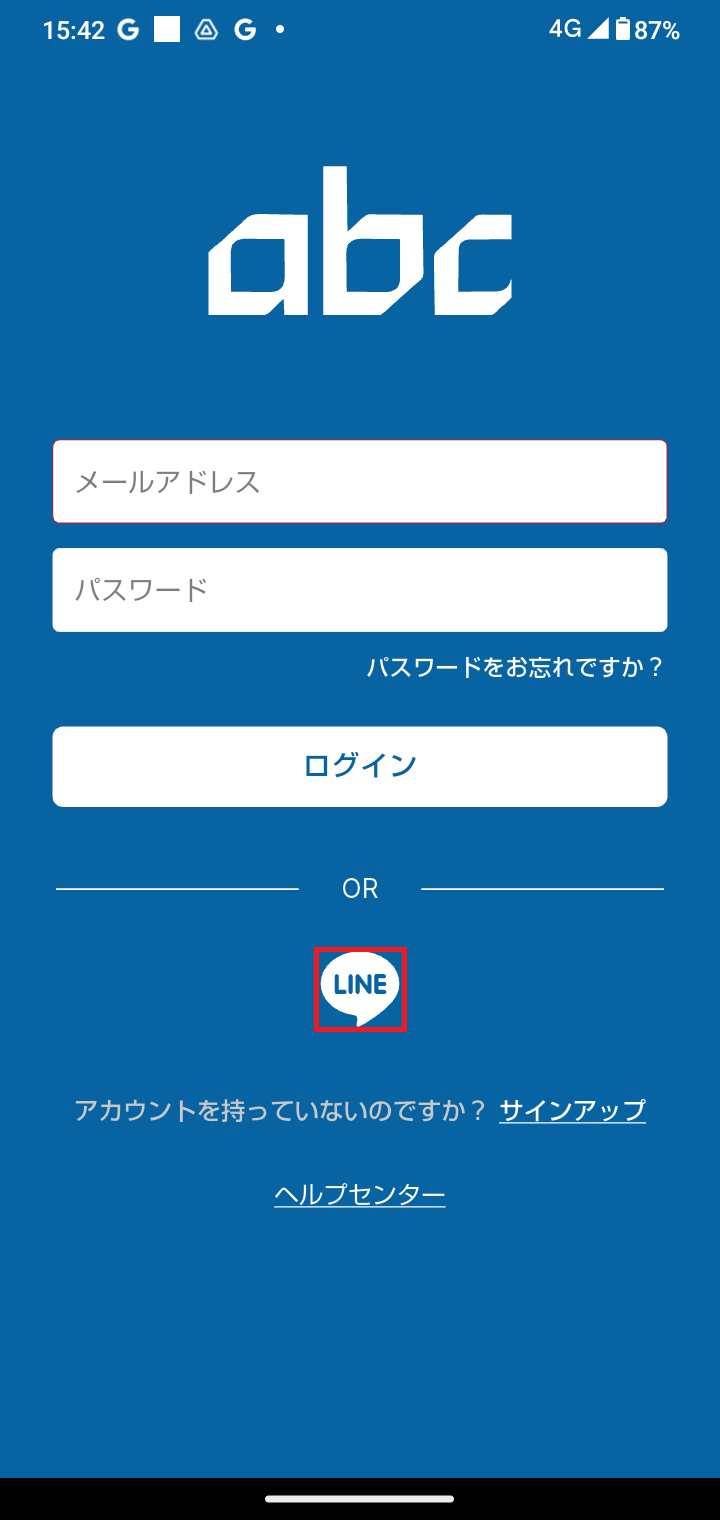
You will be taken to the LINE screen; tap the "Allow" button.
・If you log in with your Apple ID
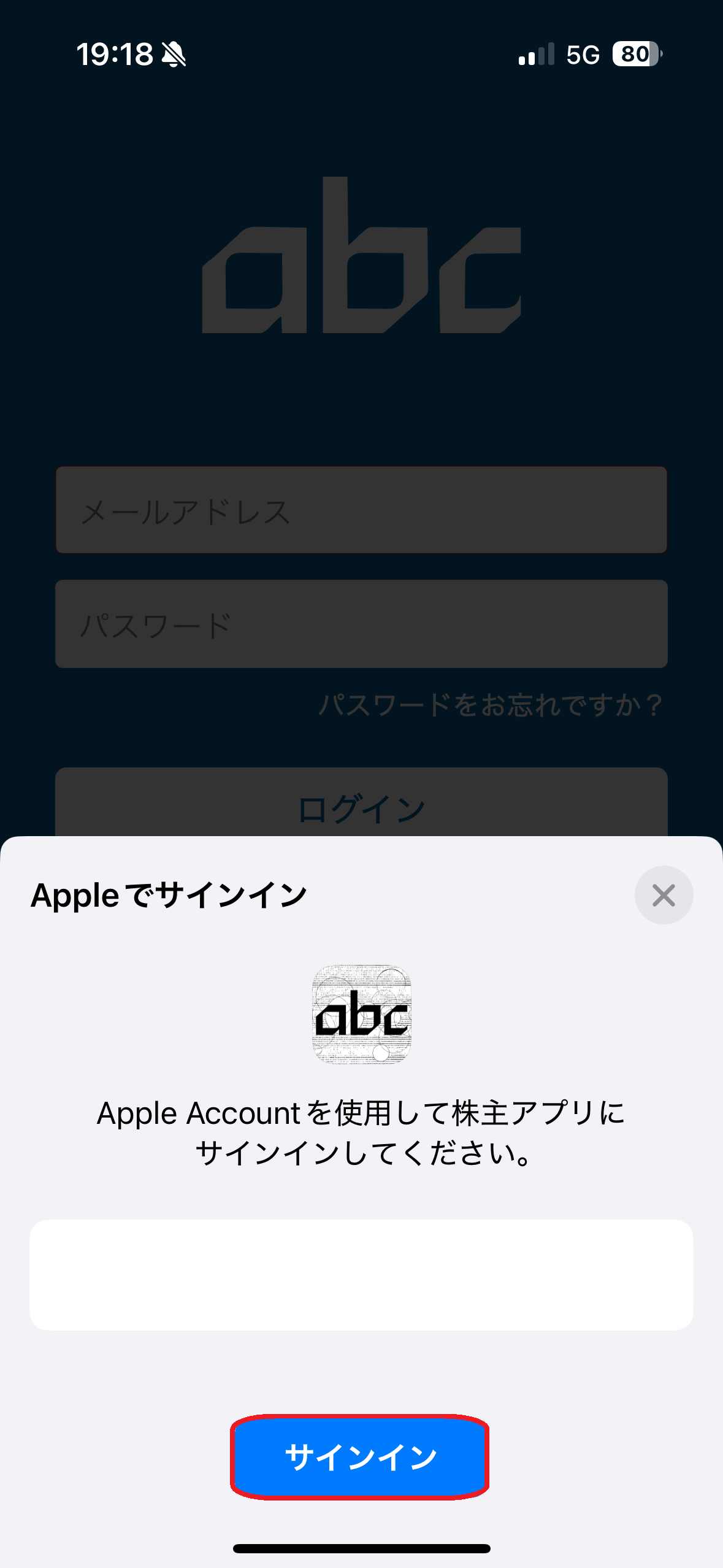
Tap the "Apple" icon shown in the red box.
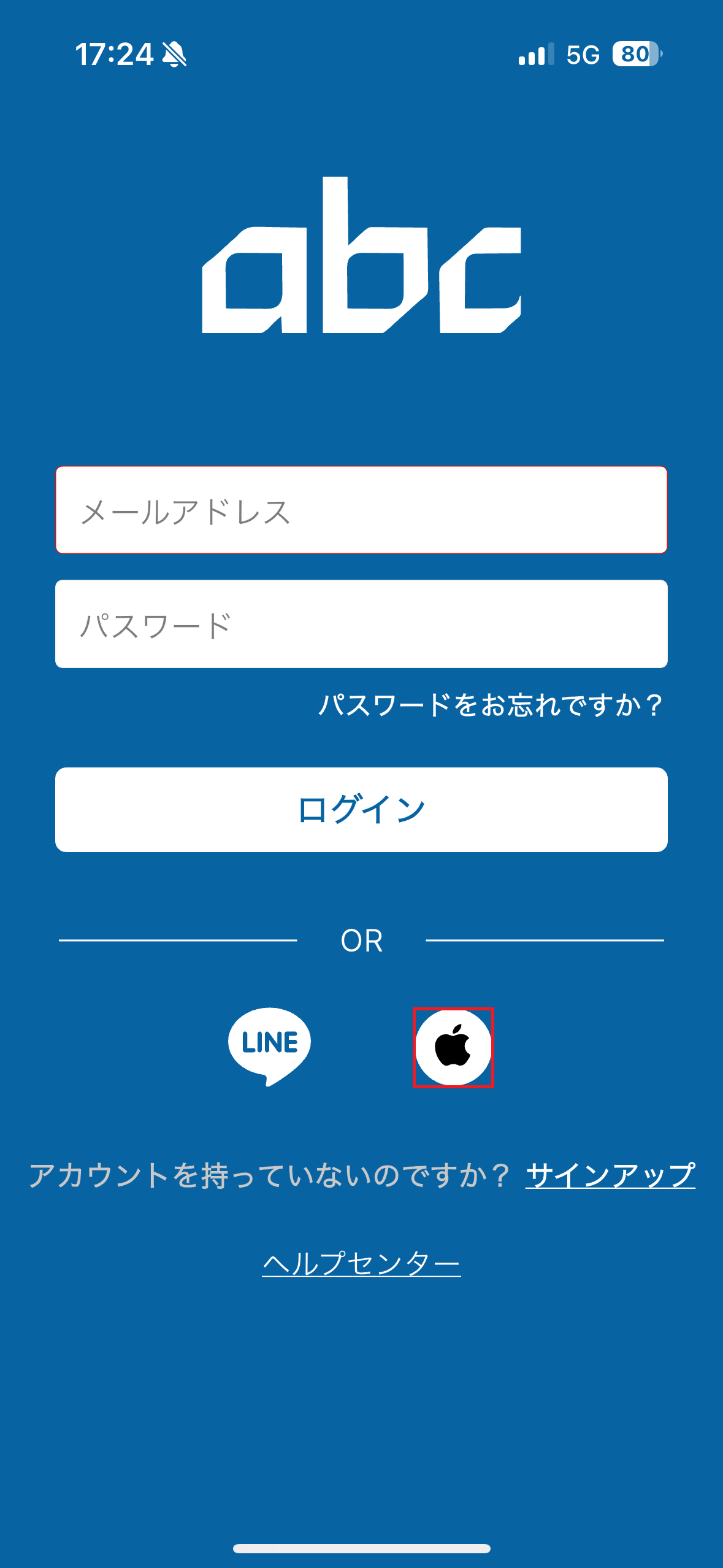
On the Apple ID sign-in (Sign in with Apple) sheet that appears, tap "Sign In".