How to Register an Account
Last updated: 2025/11/27
Please download the shareholder app from the App Store or Google Play.
Open the app and log in or sign up using one of the following two methods.
Method 1: Sign up via social login with LINE or Apple ID
Method 2: Sign up with your email address and password
Method 1: Social Login (LINE, Apple ID)
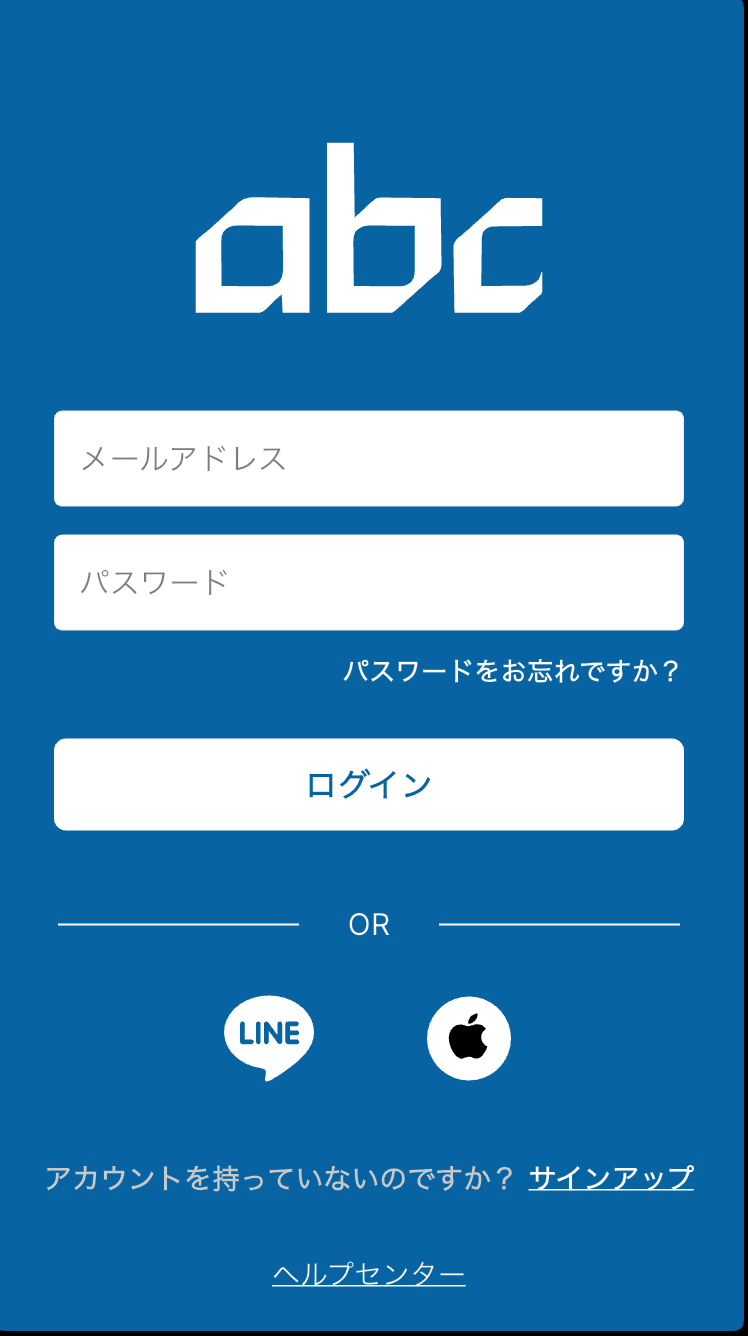
On the start screen, tap the icon of the social network you want to log in with.
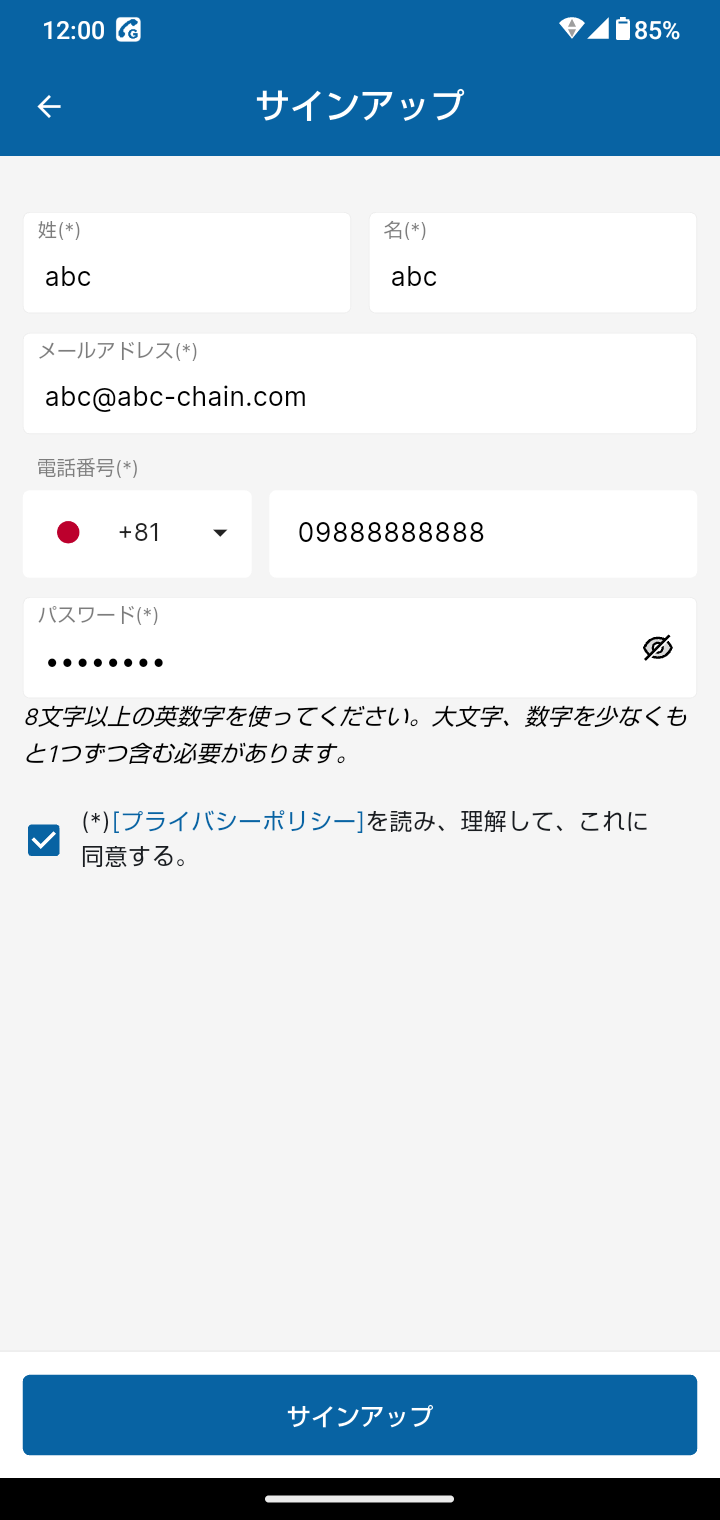
After connecting your social media account, enter your personal information.
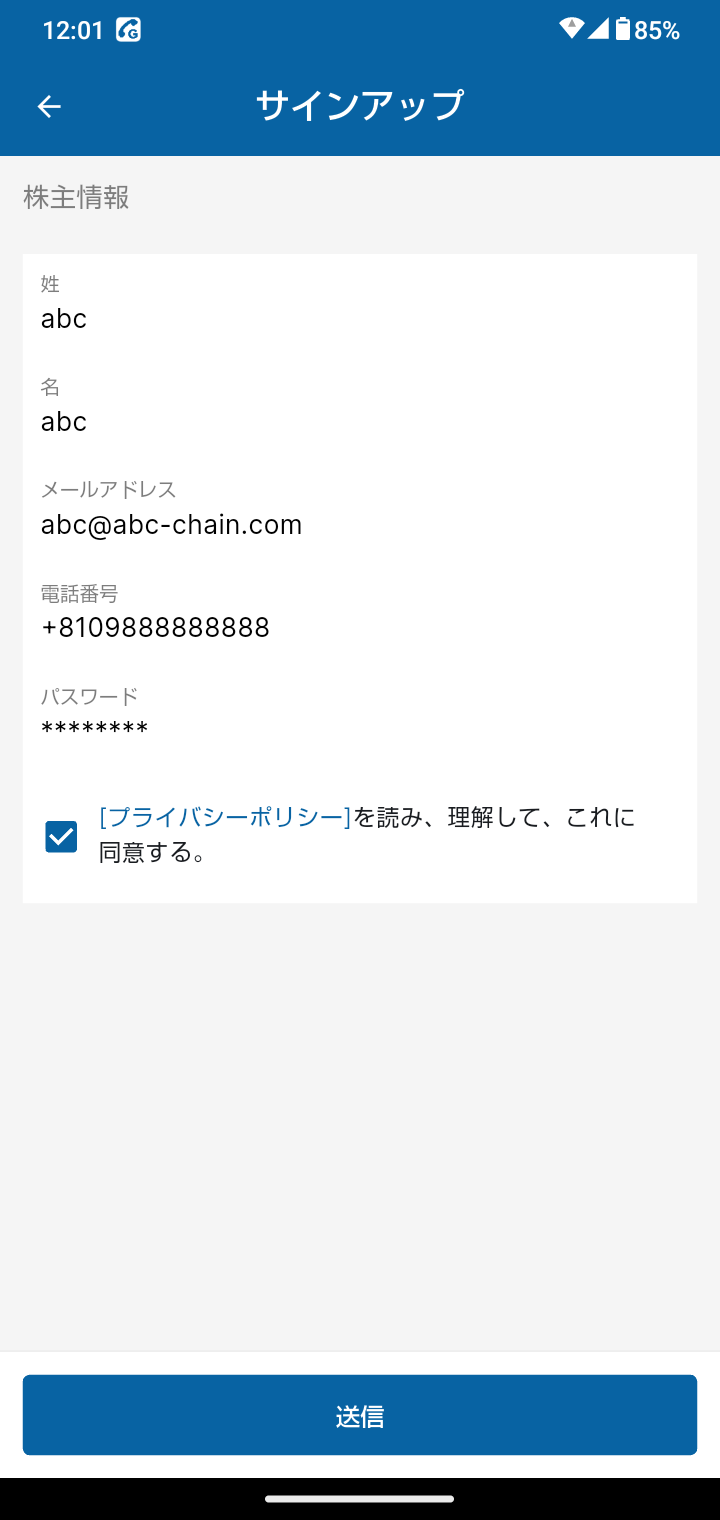
On the confirmation screen, review the information you entered and tap [SUBMIT].
Once your submission is complete, your account will be activated and you will be logged in automatically.
Method 2: Log In with Your Email Address and Password
On the start screen, tap [SIGN UP].
Enter your basic information and tap [SIGN UP].
You will be taken to a confirmation screen. Double-check the information you entered and tap [SUBMIT] to register.
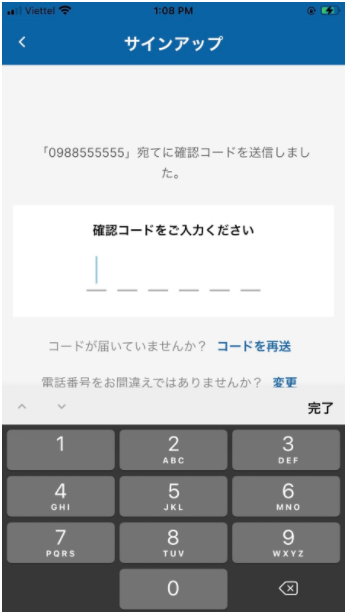
A verification code will be sent to the email address you registered. Please enter the code.
If you have not received the code, tap [RESEND CODE].
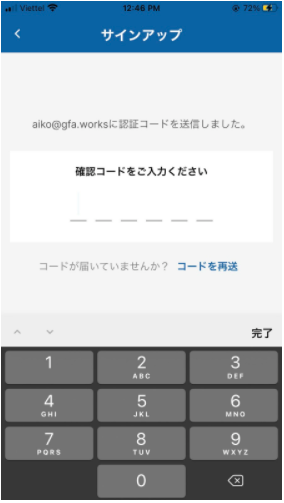
Once you enter the verification code, your account will be activated and you will be logged in automatically.
Change takes you back to the registration screen, where you can change your phone number.
Please complete the email verification and phone number verification again until your account has been successfully activated.