How to Complete Shareholder Registration
Last updated: 2025/11/27
If you are a shareholder, please complete shareholder registration and check the points you are eligible to receive.
Option 1
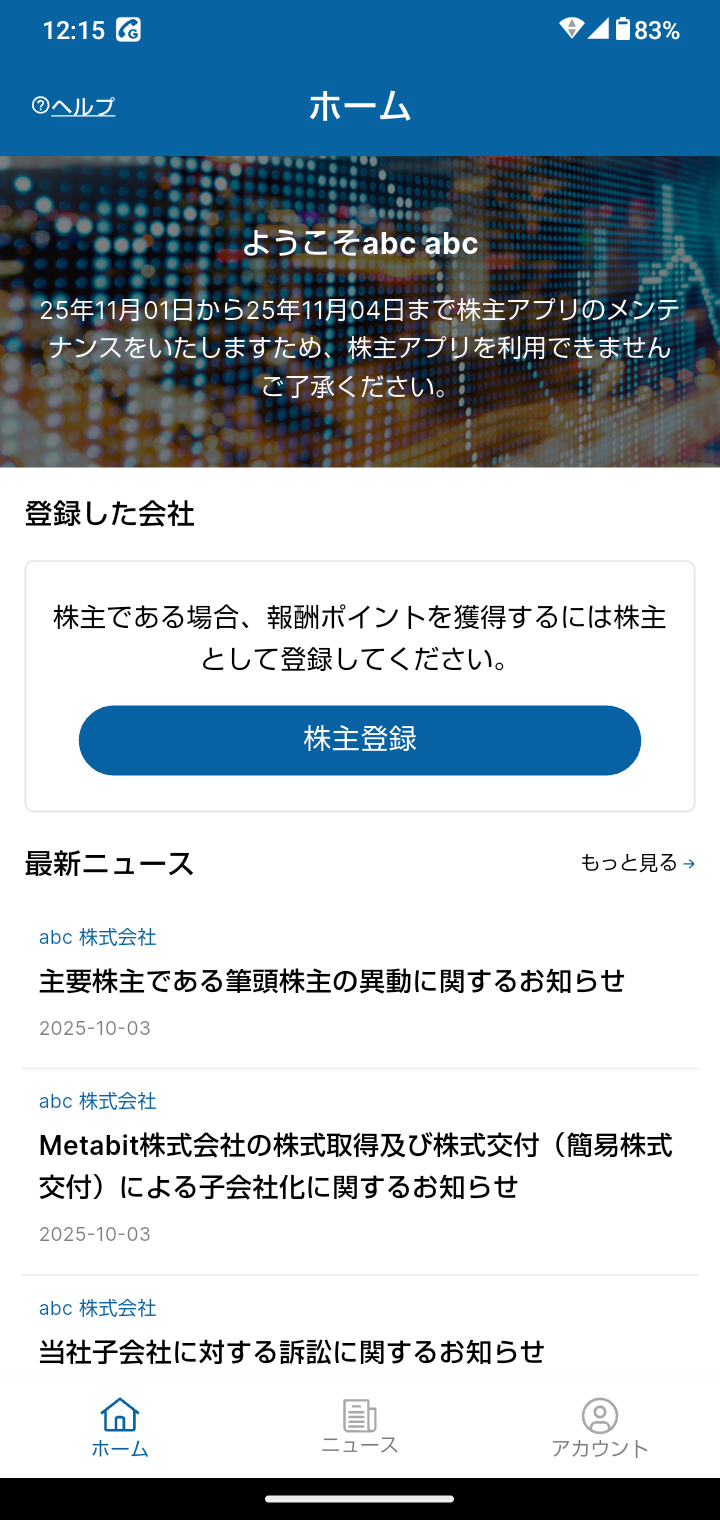
On the Home screen, tap Shareholder Registration.
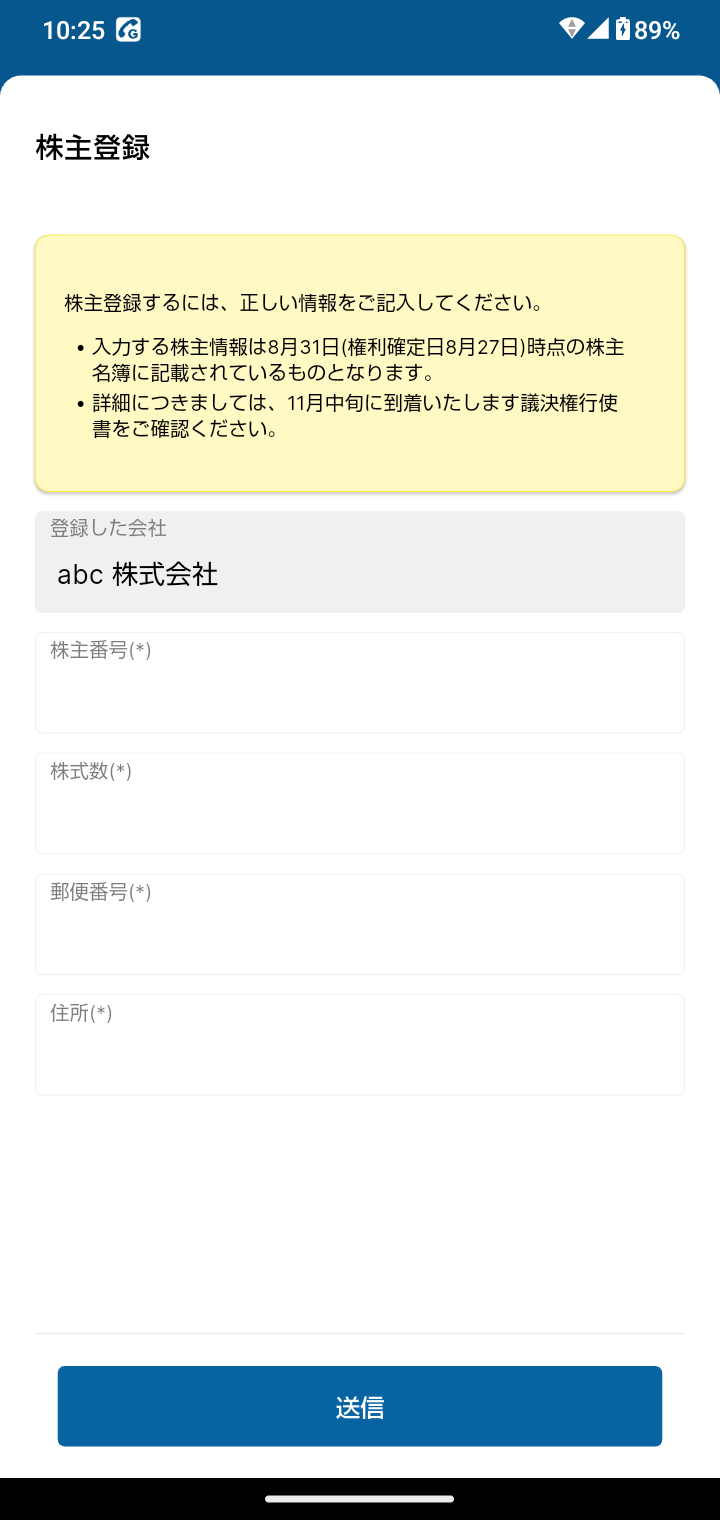
On the shareholder registration screen, enter your shareholder number, number of shares, postal code, address, and other required information.
* The shareholder information entered on the shareholder registration screen must match the shareholder register as of 8/31 (record date: 8/27).
* For details, please refer to the voting rights exercise form, which will arrive in mid-November.
If all the information you entered matches our records, registration will be completed successfully.
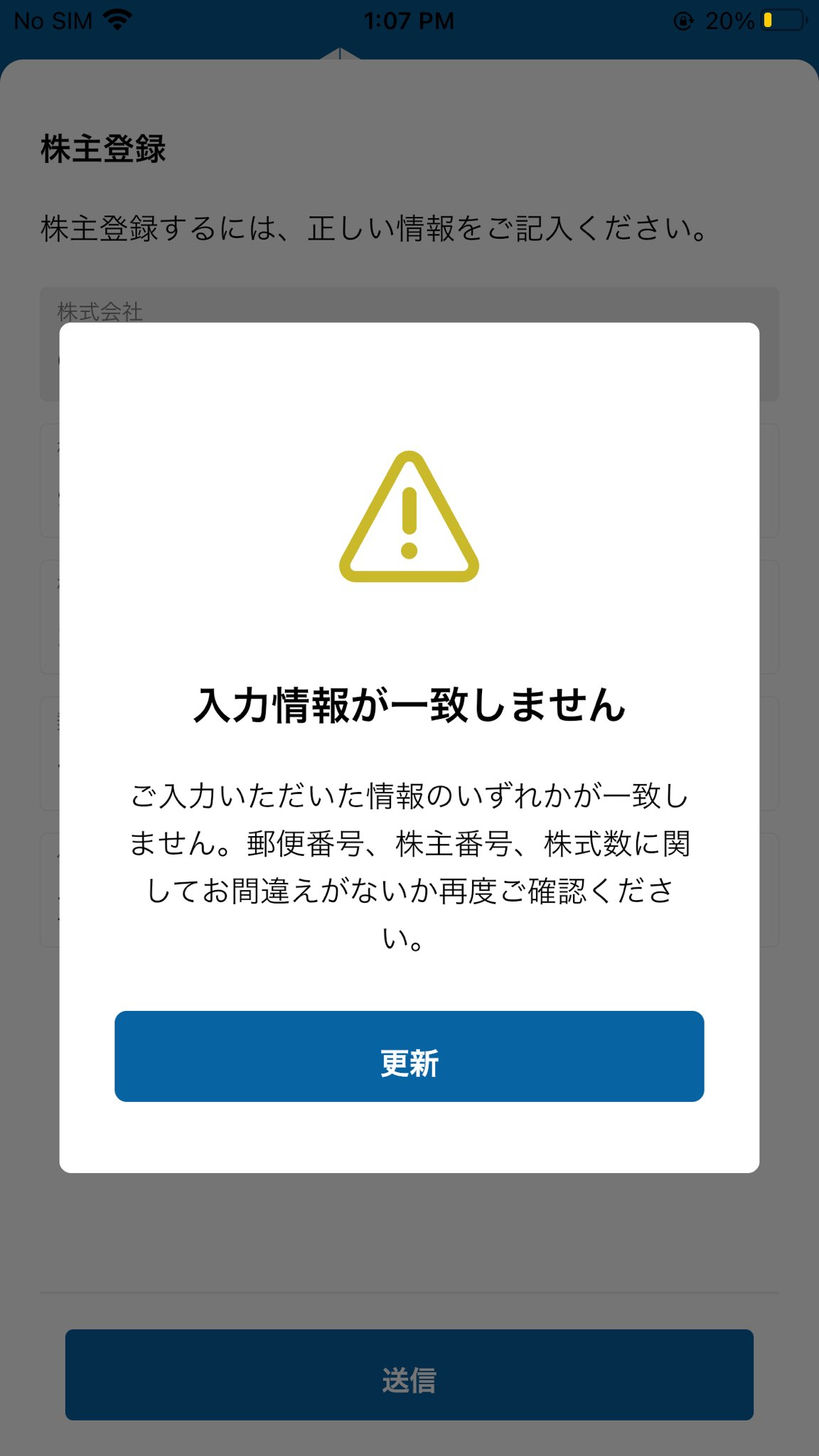
If any item does not match our records, please double-check the information and try again.
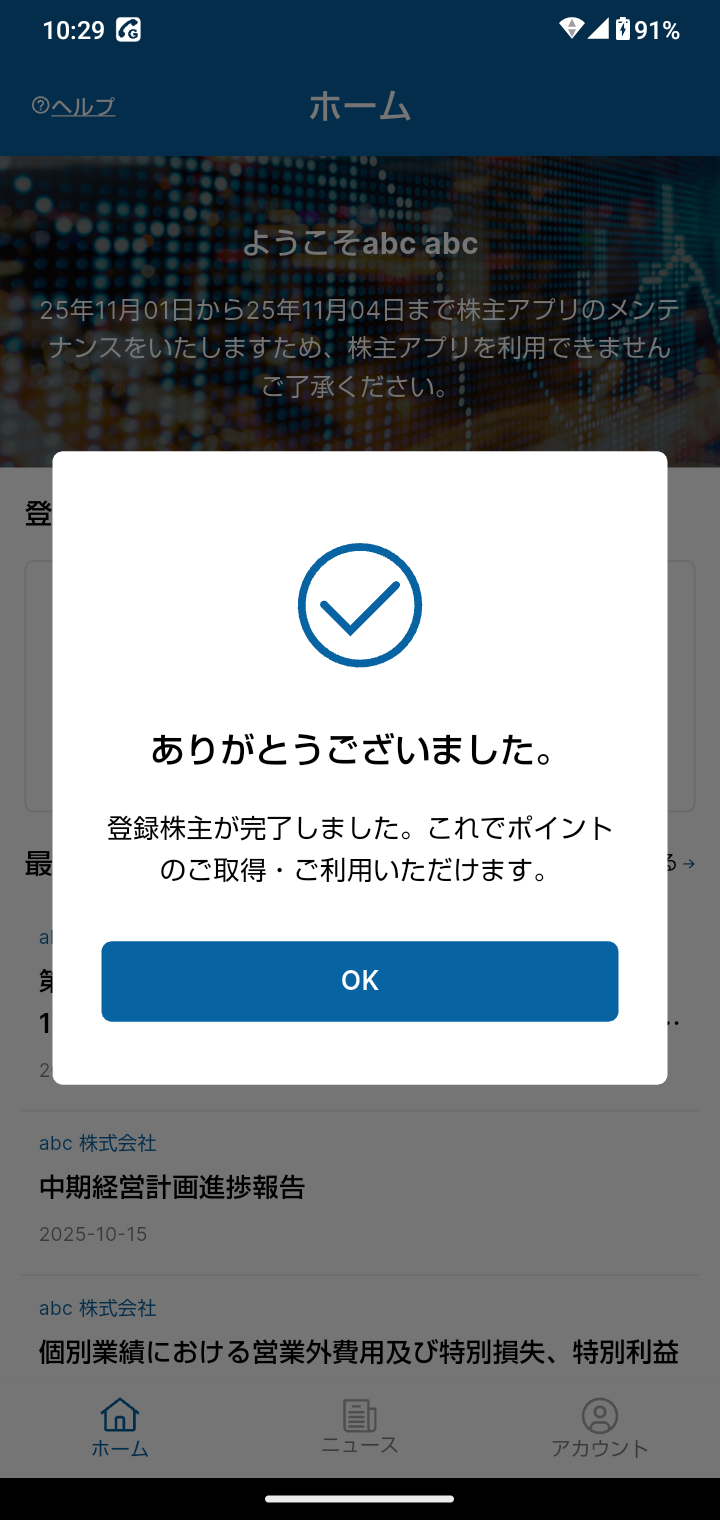
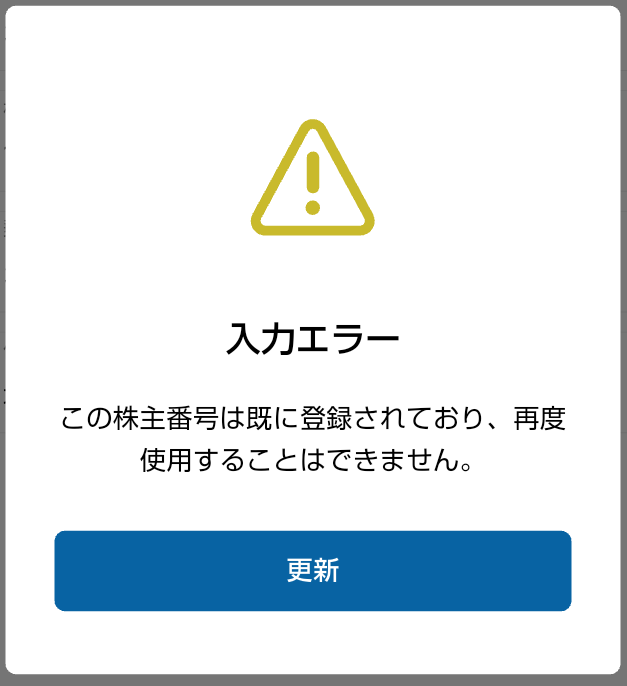
* If the error screen below is displayed, your shareholder registration has already been completed.
Please try logging in with another login method (email address, LINE, or Apple ID).
* If you are already logged in to the shareholder app:
Tap "Account" at the bottom right of the Home screen, then tap "Log Out" on the Account screen.