How to Delete Your Account
Last updated: 2025/11/27
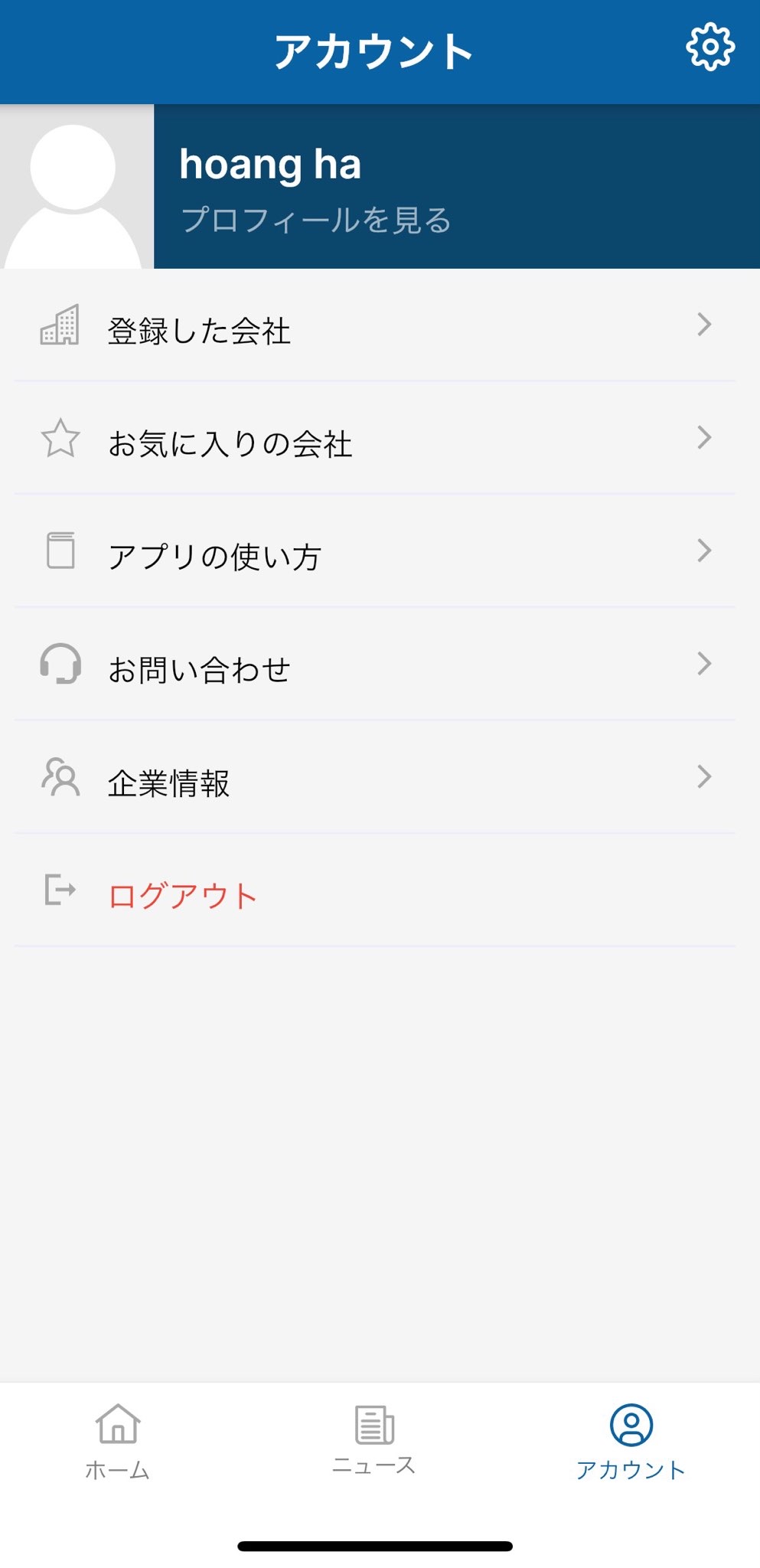
1. Go to the Account Information screen and tap the settings icon  .
.
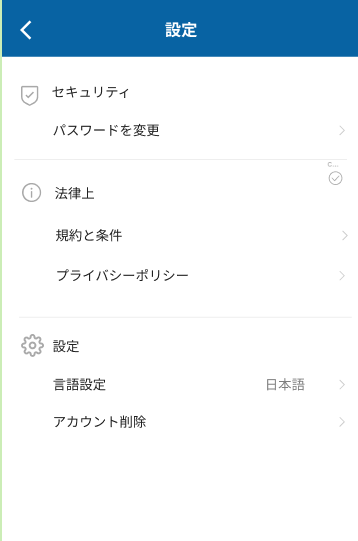
2. Tap [DELETE ACCOUNT].
_____________________________________________________________________________________________________________________________
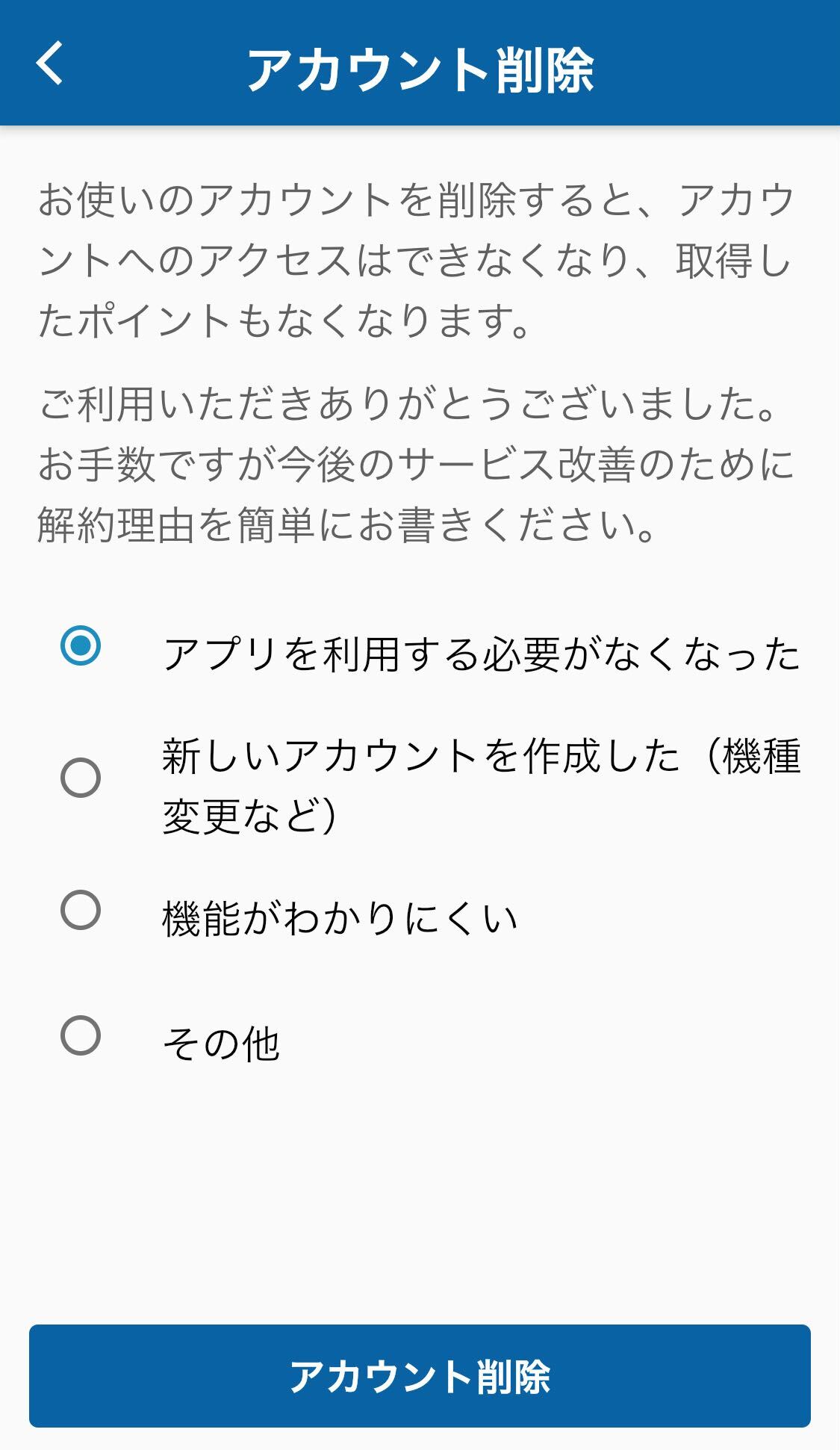
3. Select the reason for deletion and tap [DELETE ACCOUNT].