How to register an account?
Last updated: 2024/08/23
Please go to Apple store for iOS or Google play for android and install shareholder application
Open the app and choose to sign up or log in with your email address and password or social login with Facebook, Line or Apple ID (for iOS users).
Option 1: With SNS account
On the start screen, tap on the icon of the social network you would like to log in with.
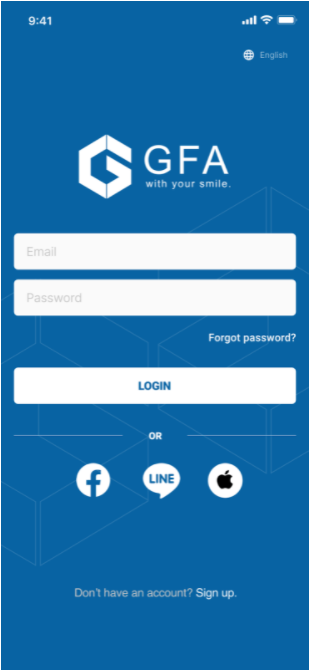
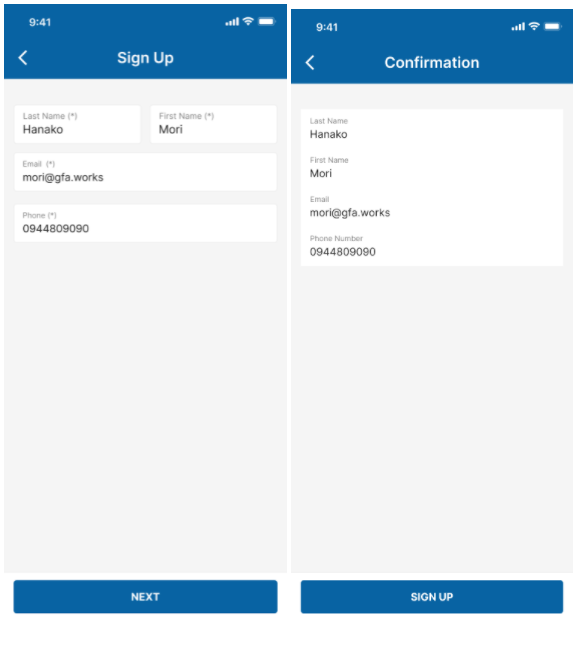
After connecting to your SNS account, fill in your personal information.
On the confirmation screen, review your input information and tap SIGN UP.
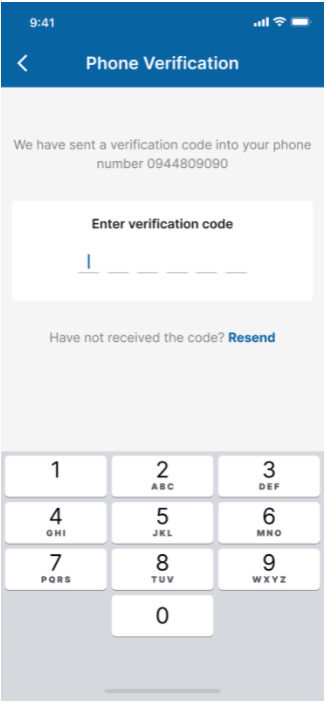
Next is the phone verification. Our system will send a verification code to your phone number. Input the code to continue.
Press RESEND CODE to get the code if you do not receive it to your phone.
After input activation code, your account will be activated successfully and you’re automatically logged in.
Option 2: With your email address and password
On the start screen, tap SIGN UP
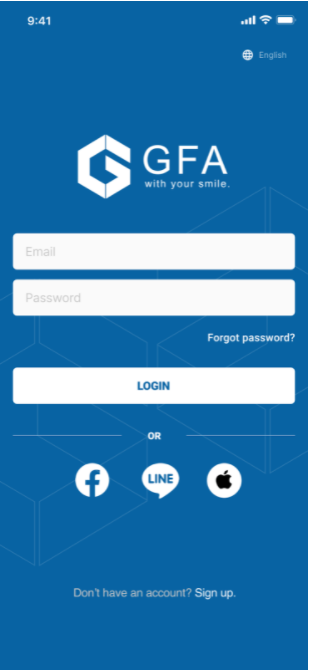
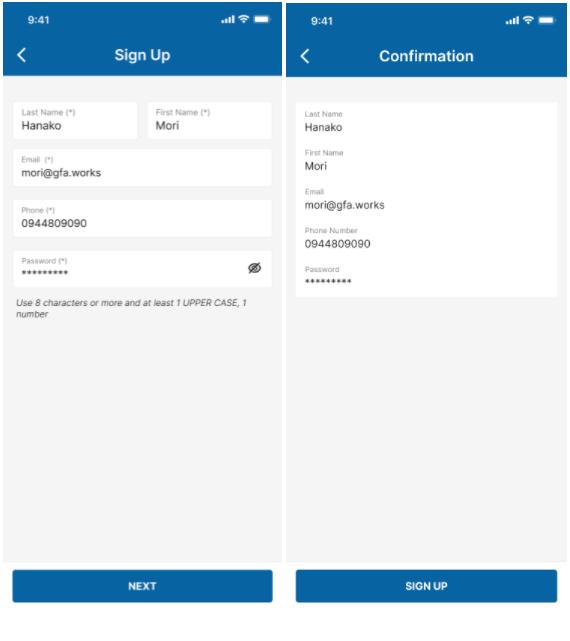
Fill in your basic information, double check your input information on the confirmation screen and tap on the SIGN UP button to register.
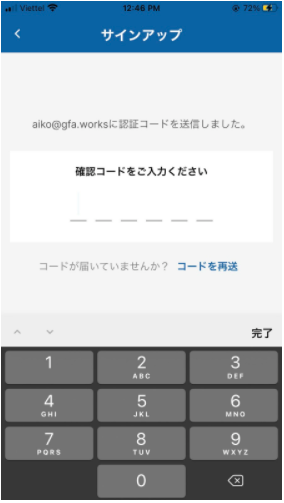
Our system will send a verification code to your email address. Input the code to continue.
Press RESEND CODE to get the code if you do not find the verification email.
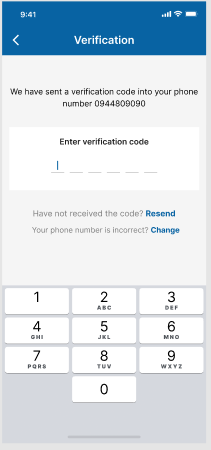
Next is the phone verification. Our system will send a verification code to your phone number. Input the code to continue.
Press RESEND CODE to get the code if you do not receive it to your phone.
After input activation code, your account will be activated successfully and you’re automatically logged in.
By tapping CHANGE, you will go back to the registration screen again to change your phone number. Then please complete the email verification and phone number verification again until your account is successfully activated.