How to add a favourite company?
Last updated: 2024/08/24
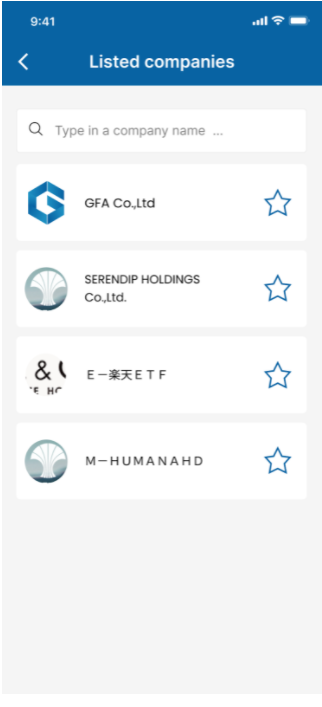
On the welcome screen, you could choose your favorite companies to get news from (this step could be skipped).

Type in the name of the company you want to find or simply scroll down and tap the Star button to add the company to your favourite list.
You will now get all the news of your favourite companies on home screen

Or news of your favourite companies on Inbox menu

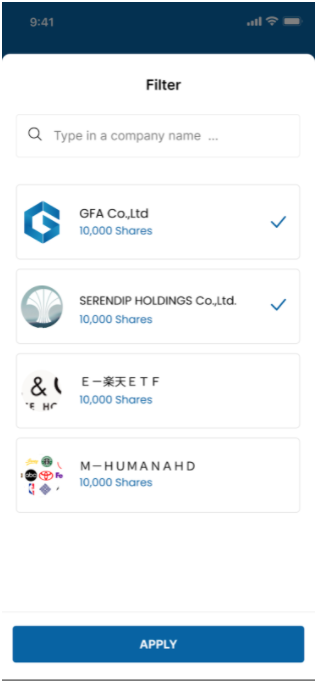
On the Notification menu, you could tap on the Filter button on the top right corner to customize notifications of which company you get.