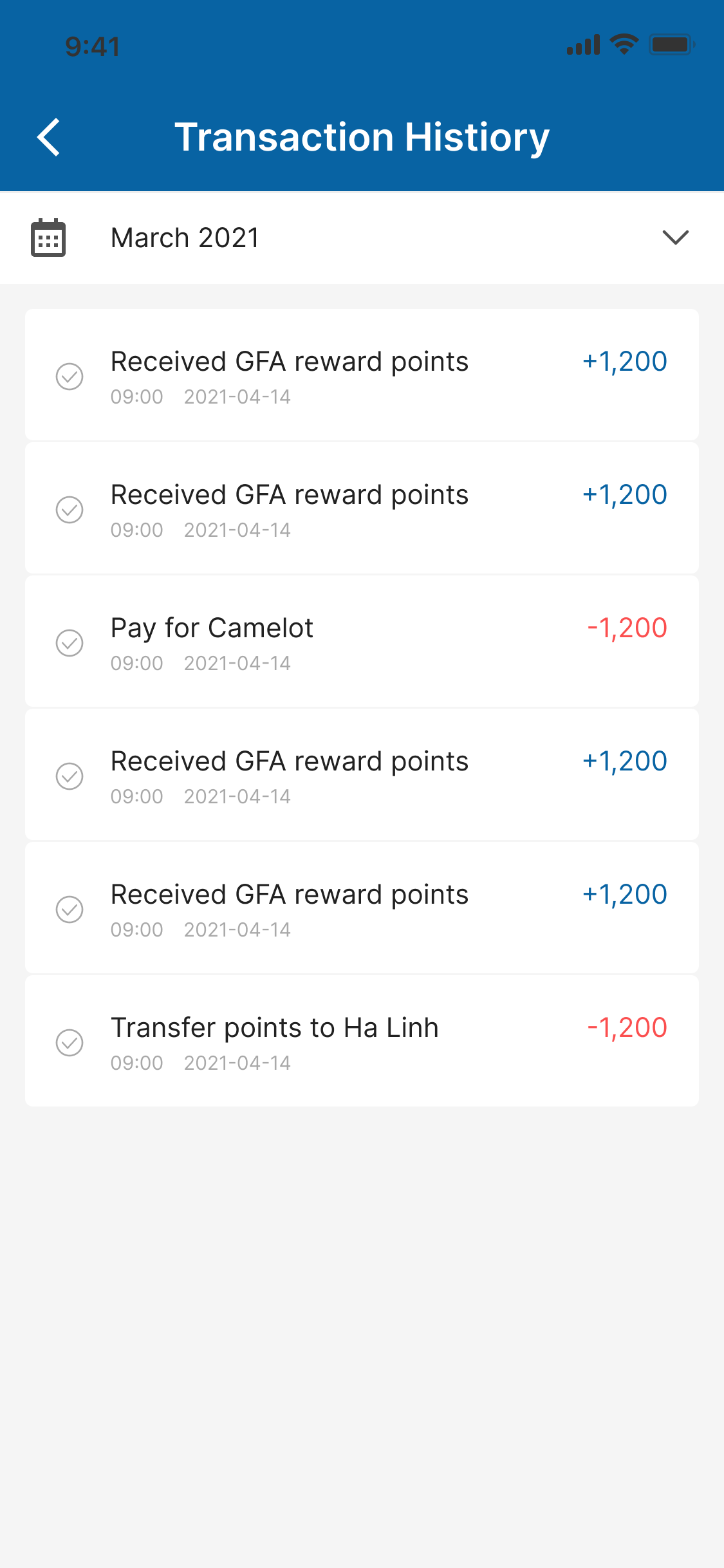
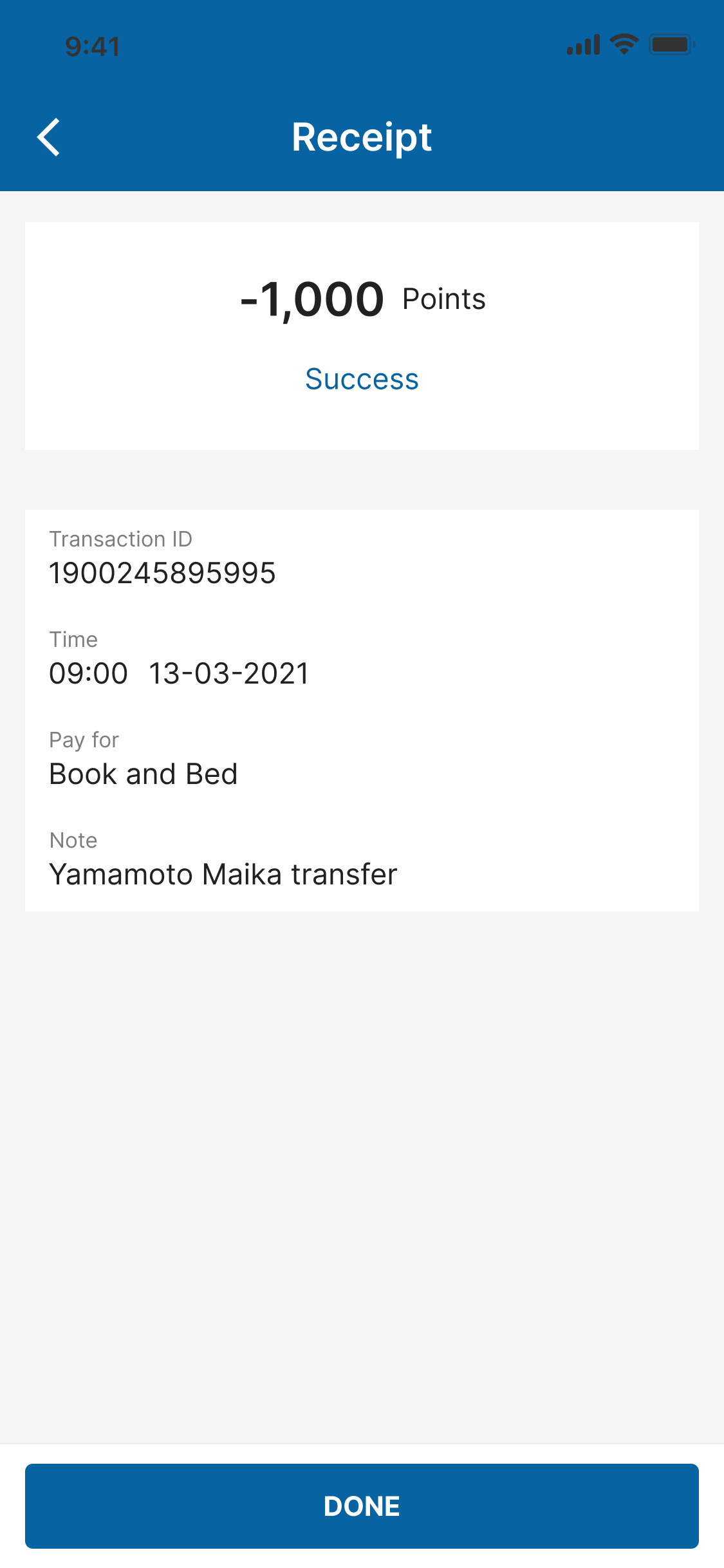
How to pay for our partner?
Last updated: 2024/08/23
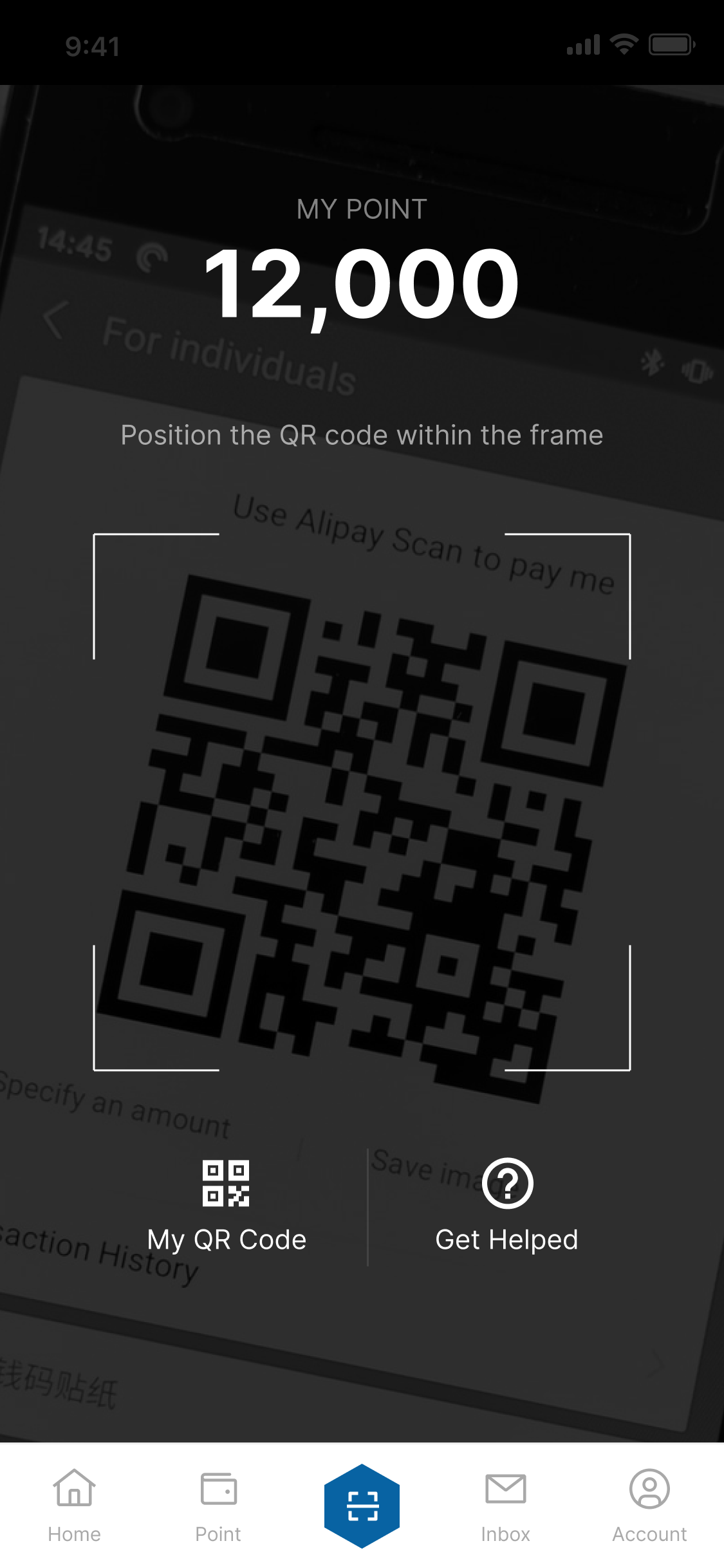
- Open Scan screen and position the QR code within the frame
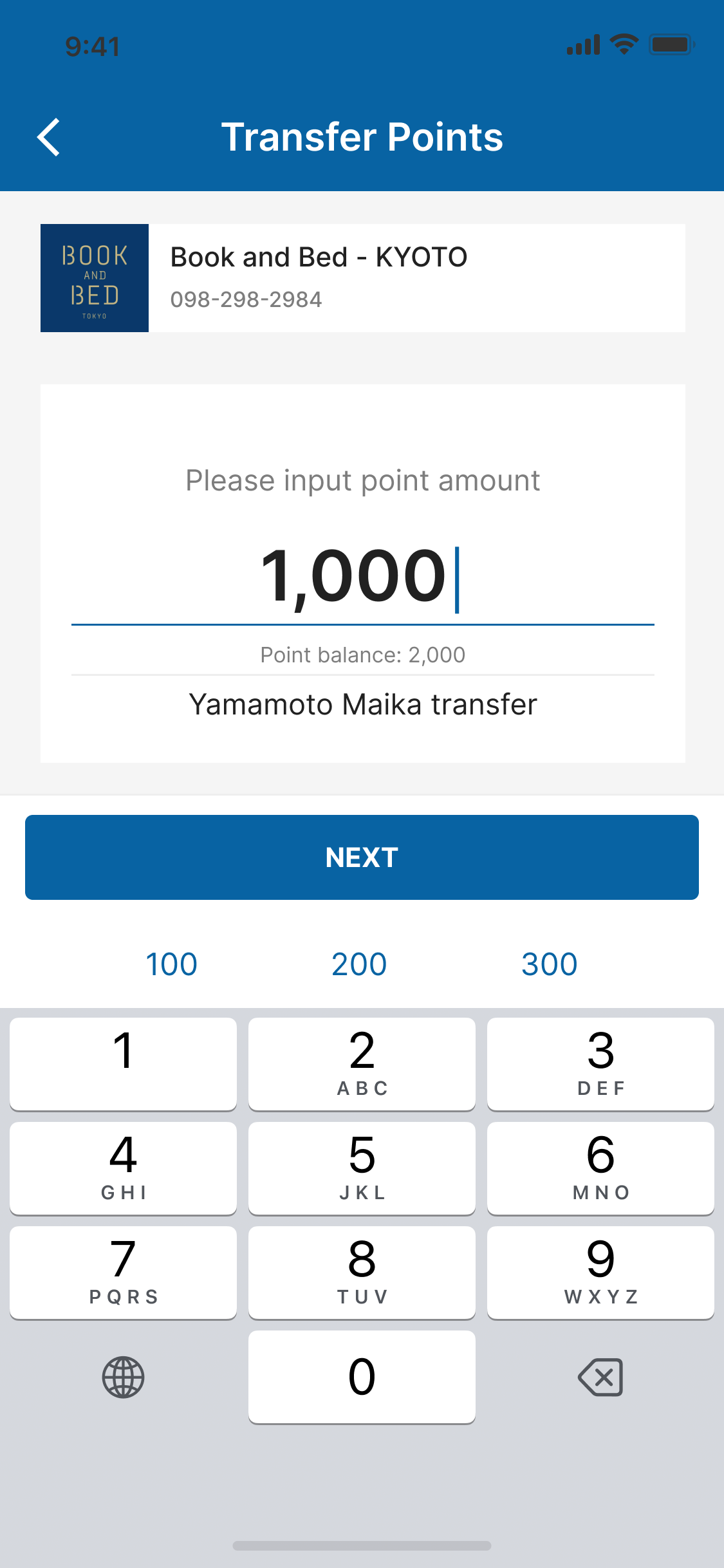
If QR code is valid, open input amount screen. Input amount and note and tap on NEXT button to open confirmation screen
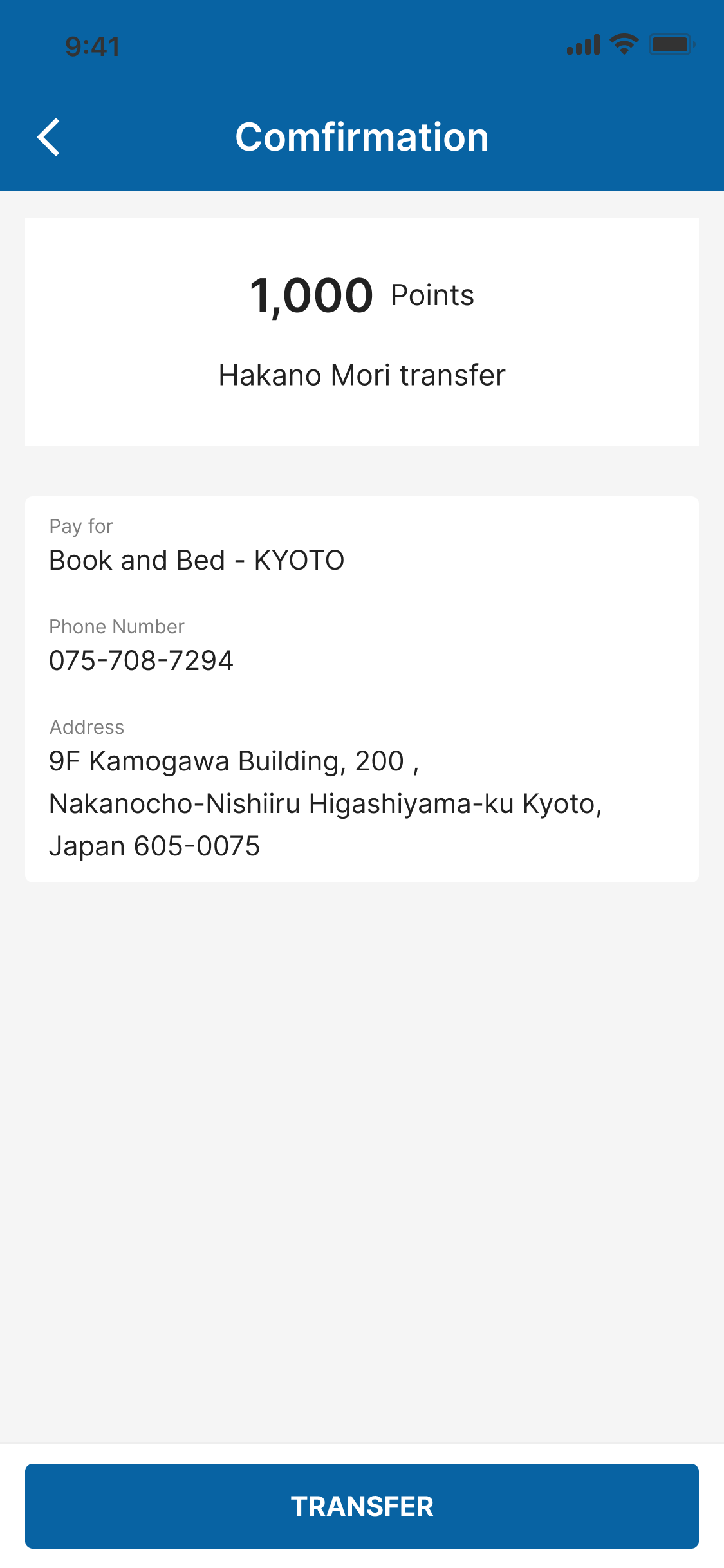
In the Confirmation screen, please check the details then tap on TRANSFER button to confirm the transfer point.
When you finish payment, you will receive notification and email for your transaction. You can see the transaction in the Transaction history screen.