How to reset password?
Last updated: 2024/08/24
If you do not remember your password and would like to reset it, please proceed as follows.
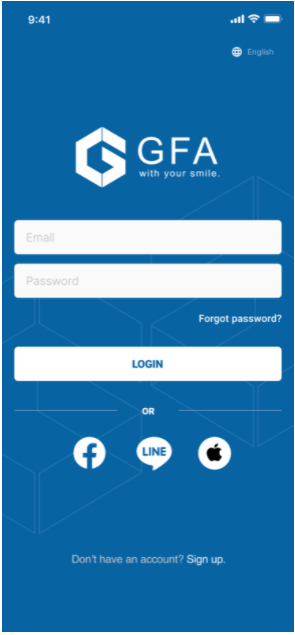
On the Login screen, tap on Forgot password?
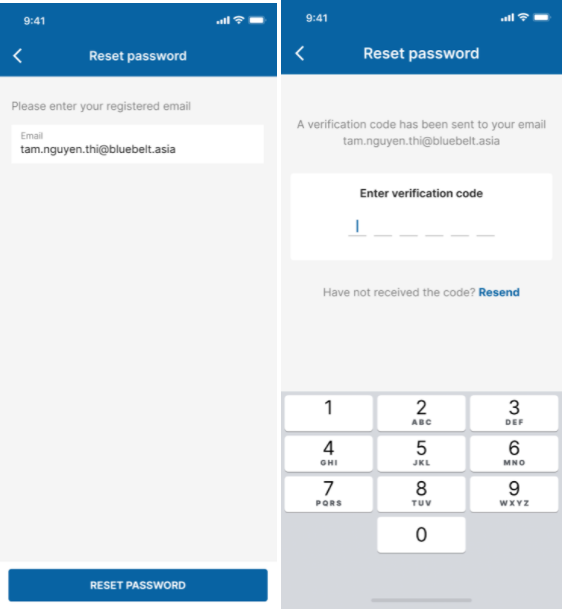
Input your registered email and tap Reset password.
Then enter the verification code sent to your registered email.
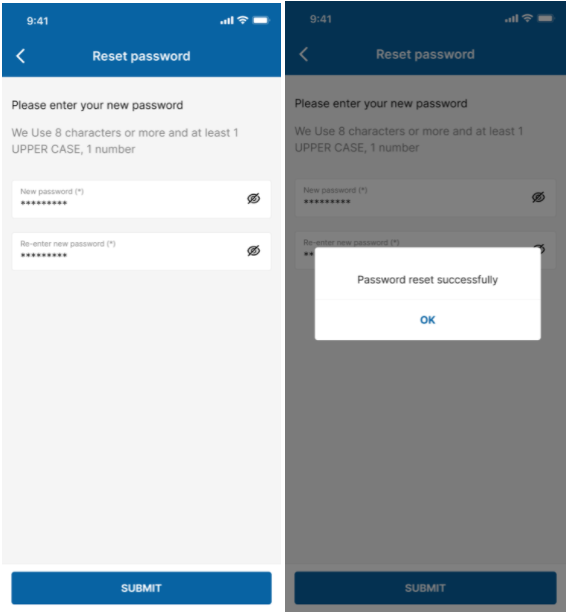
Enter the new password, confirm it and press SUBMIT. Your password will then be reset