How to delete my account?
Last updated: 2024/08/24
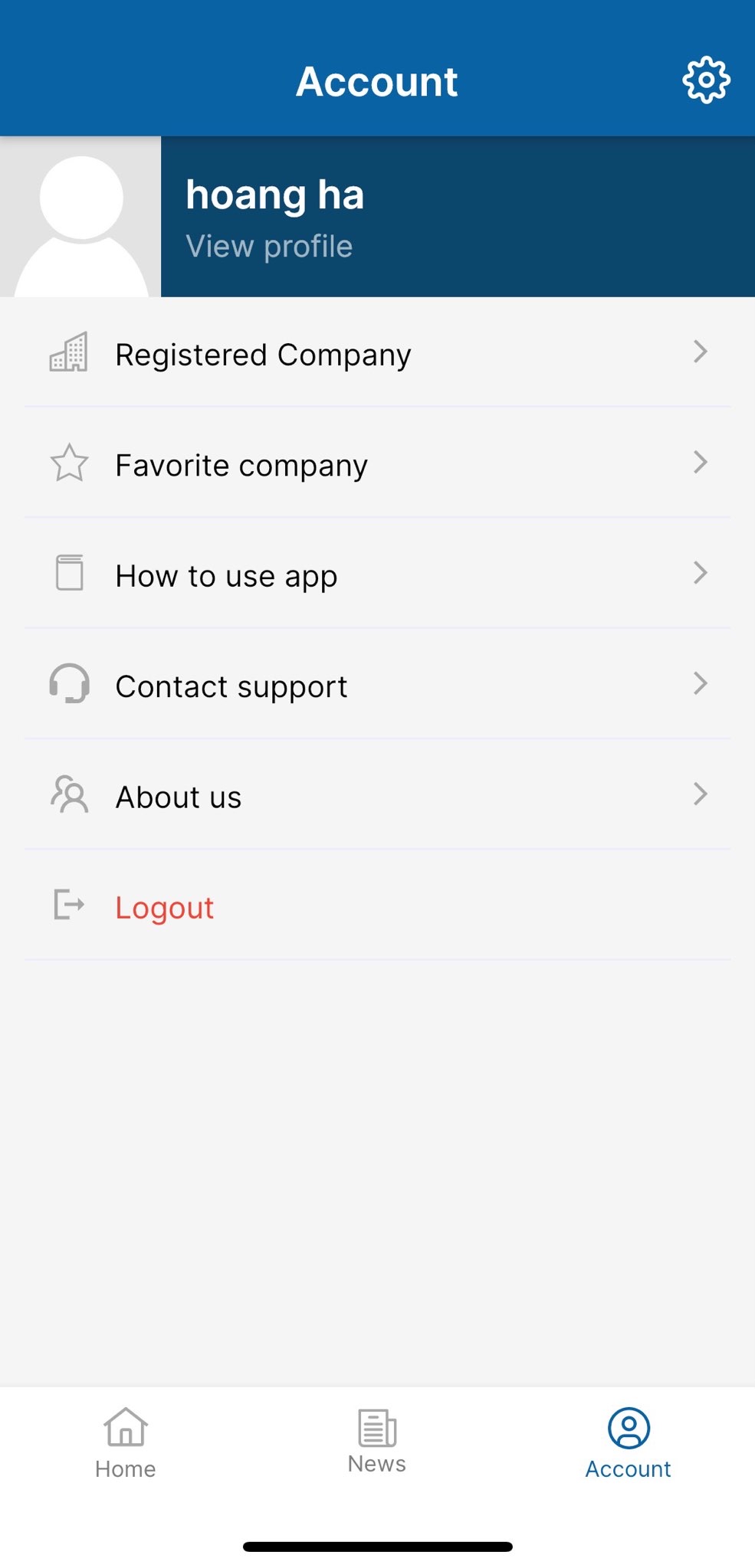
1. Go to Account screen and tab on Setting icon 
________________________________________________________________________________________________________________
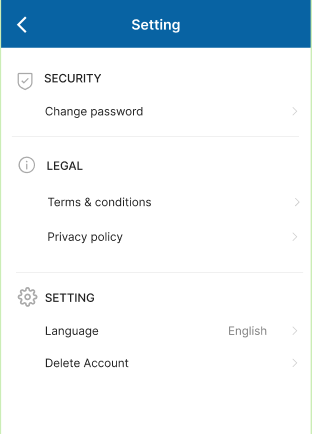
2. Tab on [Delete account]
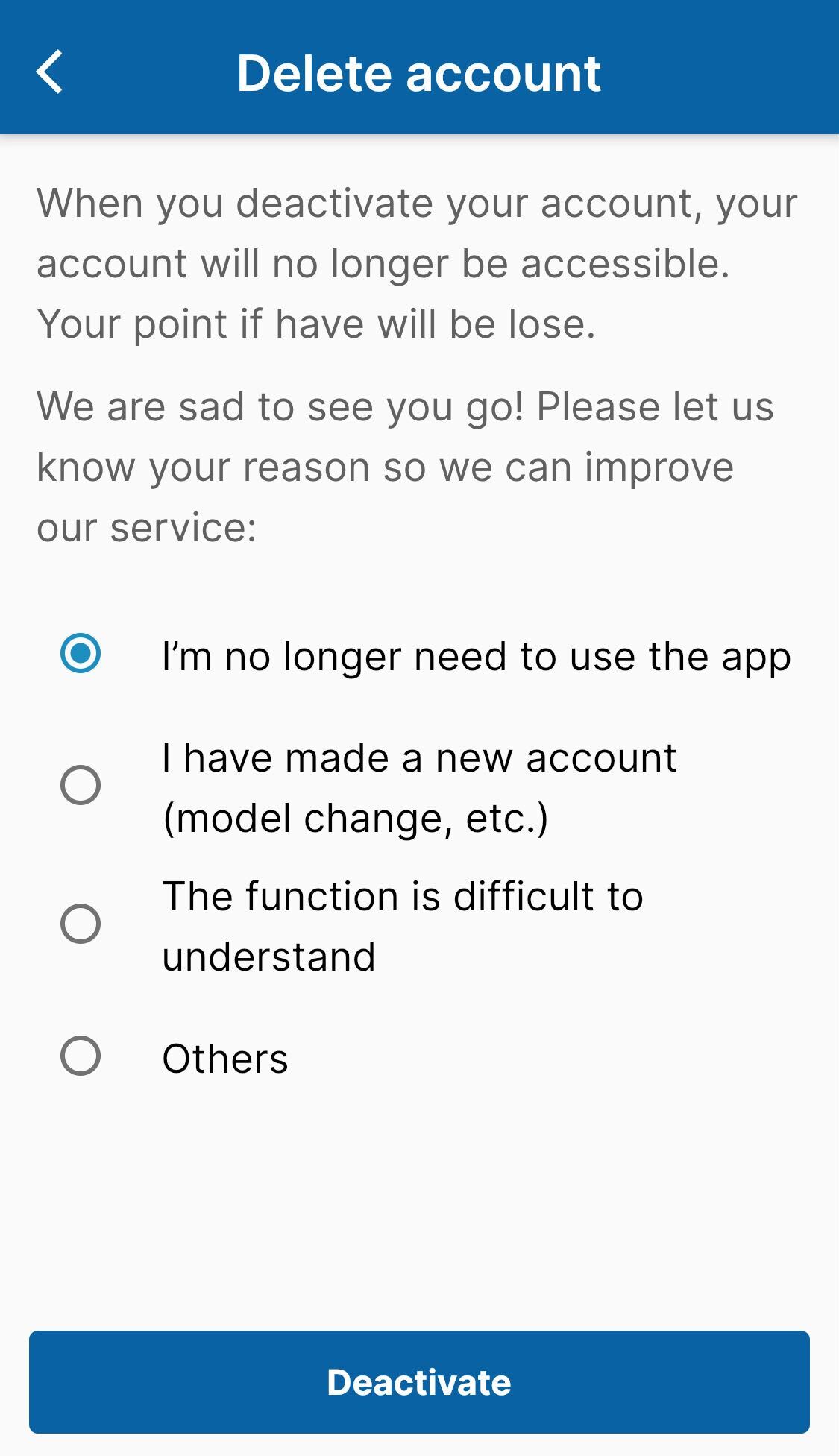
3. Select the reason that you want to close your account, then tab on Deactivate button