How to Receive Points from Another User
Last updated: 2025/11/27
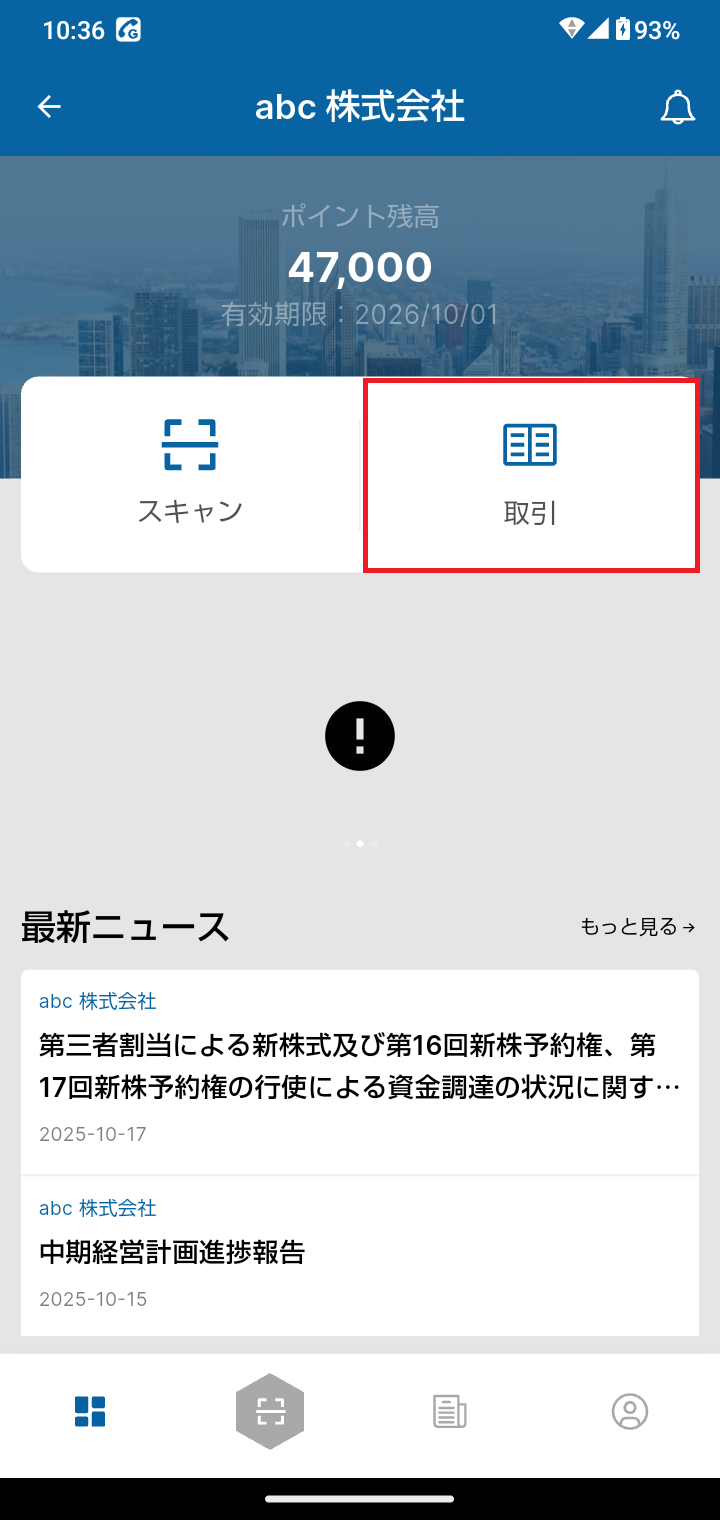
Go to the shareholder page and open the scan screen.
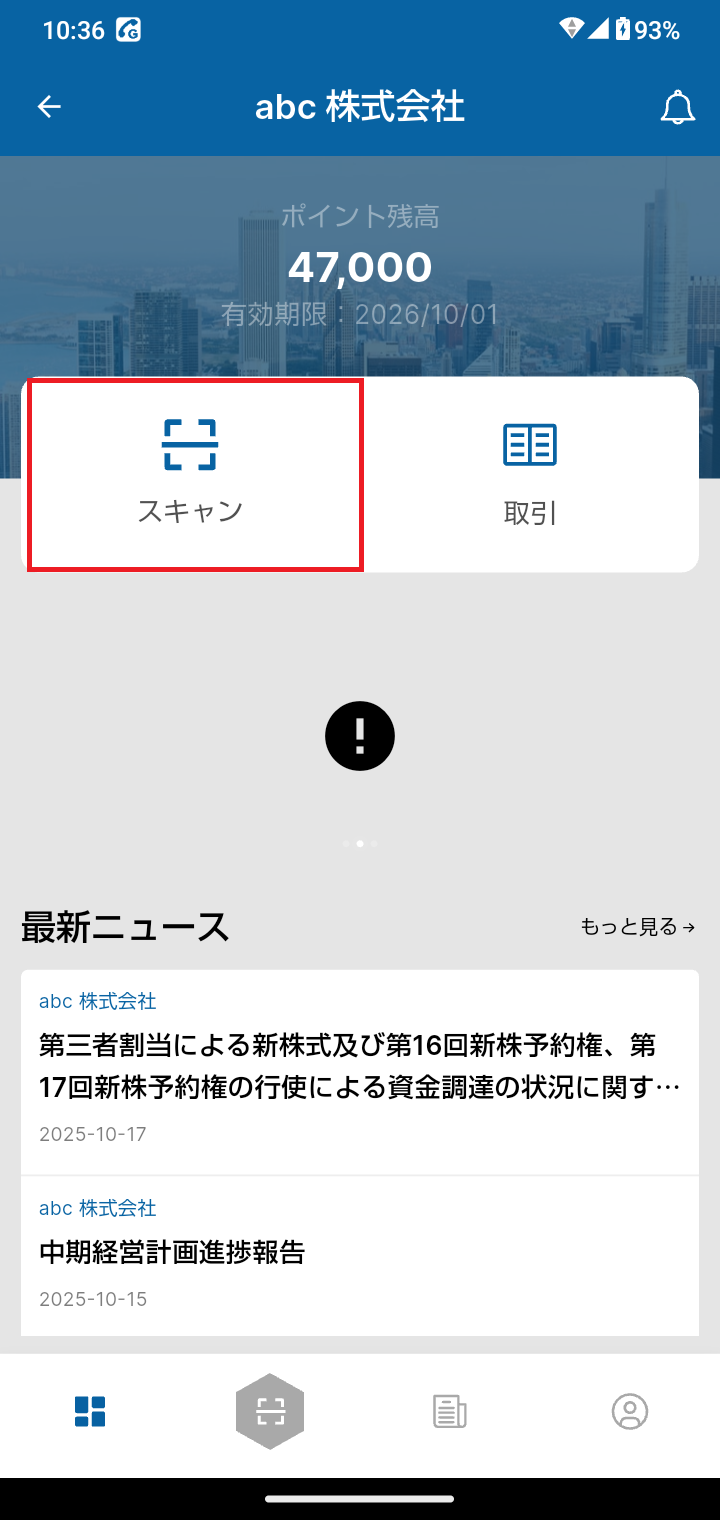
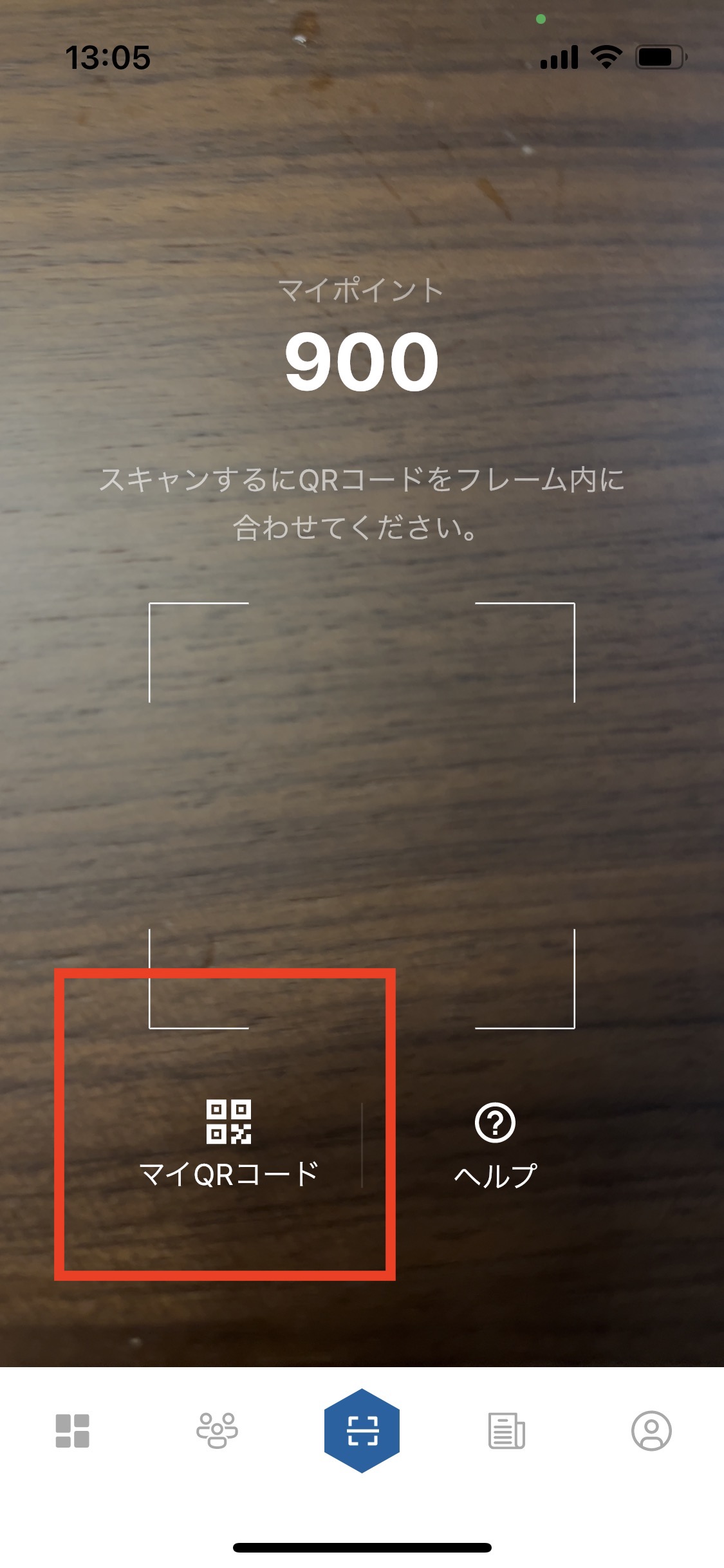
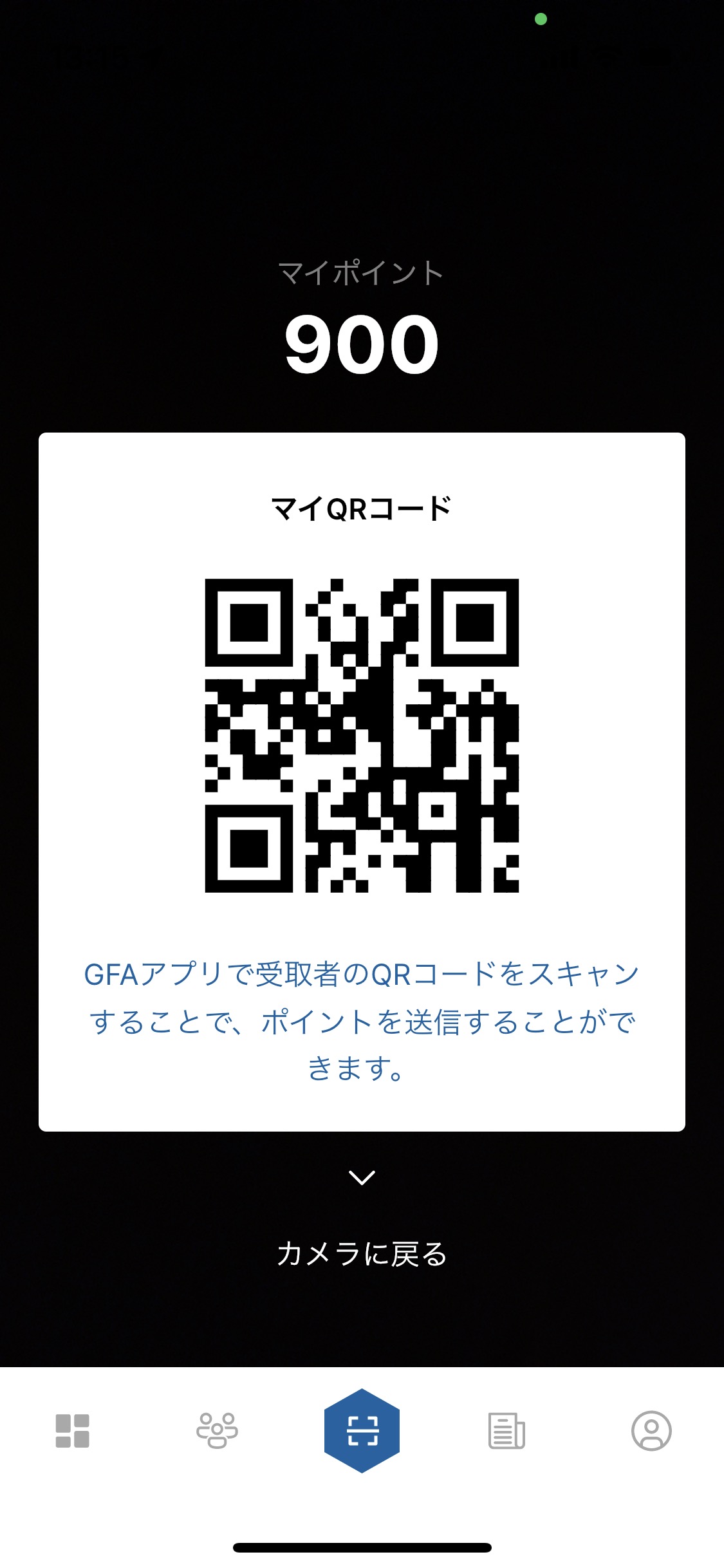
Tap My QR Code displayed on the scan screen.
Have the user who is sending you the points scan the My QR Code that is displayed.
Once the point transfer is complete, a "Points Received" notification email will be sent to your registered email address.
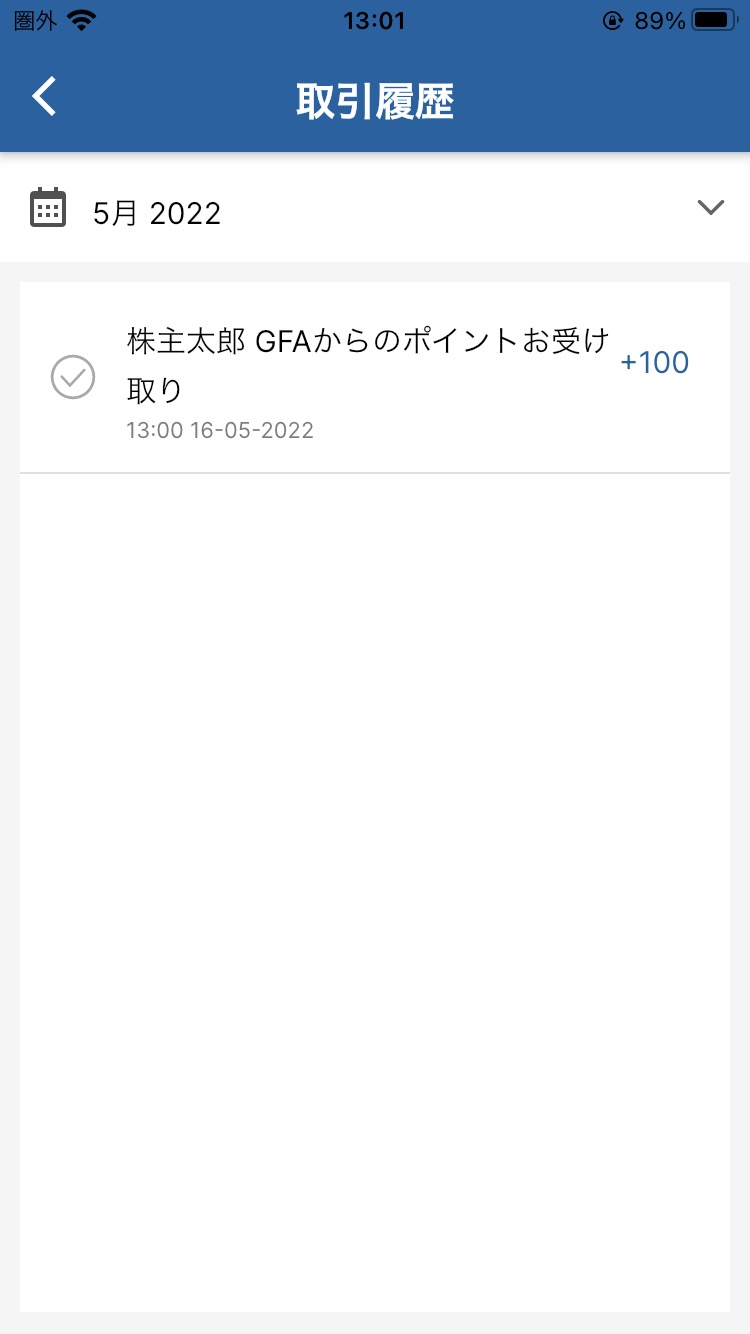
You can also check the transfer in your Transaction History.